

Comparisons
BuildShip vs Xano: Pricing, Features, and Use Cases for 2026
Buildship vs Xano: compare AI workflow capabilities, backend flexibility, pricing, and use cases to pick the right automation backend for your stack.
Himanshu Sharma ·

You have an idea for a website or product. Now comes the question: Bubble or WordPress?
It sounds like a platform comparison. It’s actually a question about what you’re building. The two tools solve different problems, and picking the wrong one means a painful migration 18 months later.
Bubble is a visual programming tool that lets you build fully functional web applications without writing code. Point-and-click interface, your own database, user authentication, business logic, API connections, all in one place.
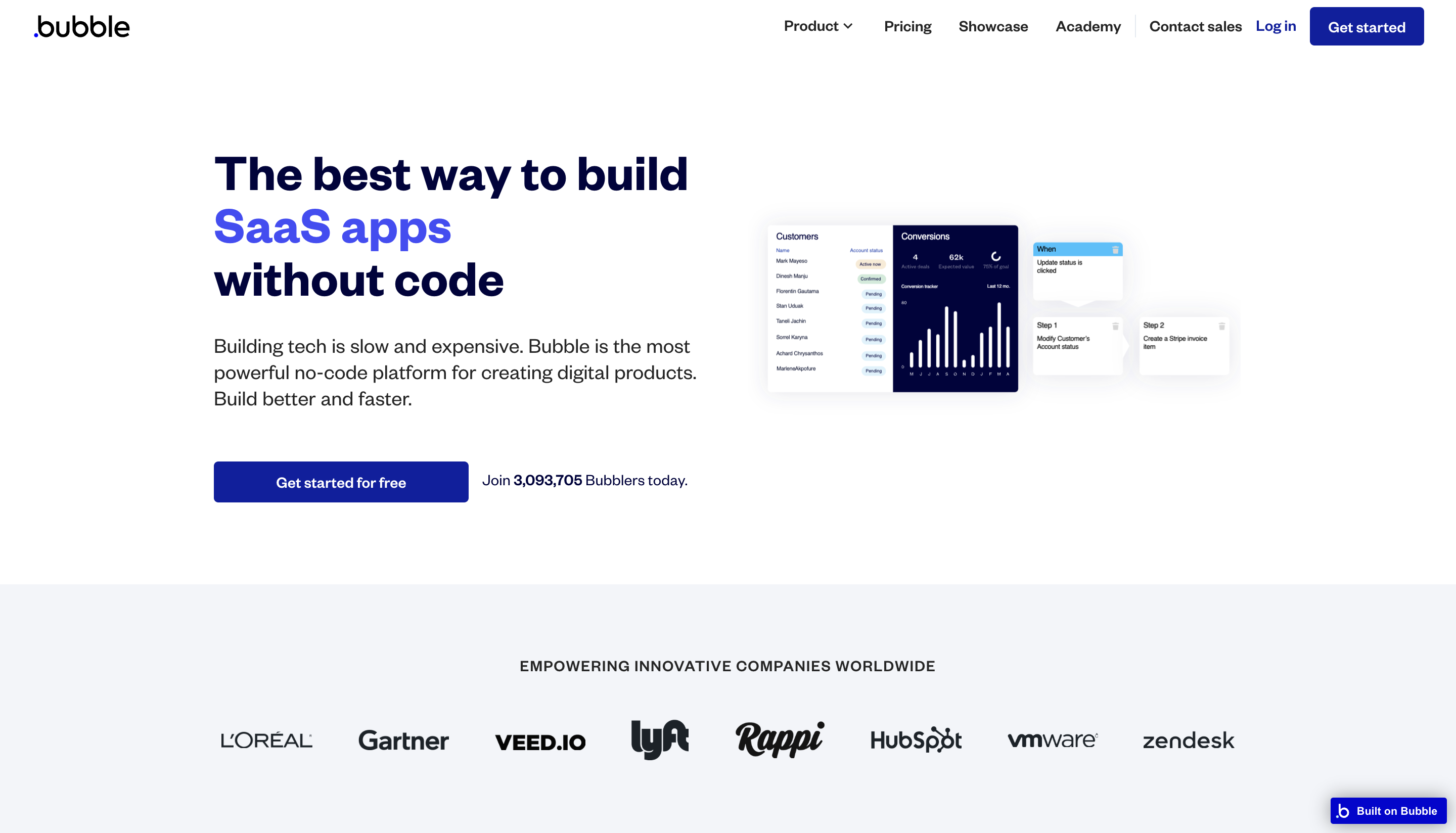
Bubble handles server maintenance, scaling, and security. You focus on the product. It’s particularly useful for startups building MVPs and small businesses that need a custom internal tool or SaaS product without hiring a full development team.
As of June 2025, Bubble also supports native iOS and Android apps (React Native, public beta). That’s genuinely new: before 2024, mobile required third-party wrappers.
WordPress launched in 2003 and now powers 43.5% of all websites (W3Techs, 2026), roughly 62% of all CMS-powered sites. Those numbers keep climbing.
WordPress comes in two forms: WordPress.com (hosted, managed for you) and WordPress.org (self-hosted, you manage everything). Same core technology, different responsibility models.
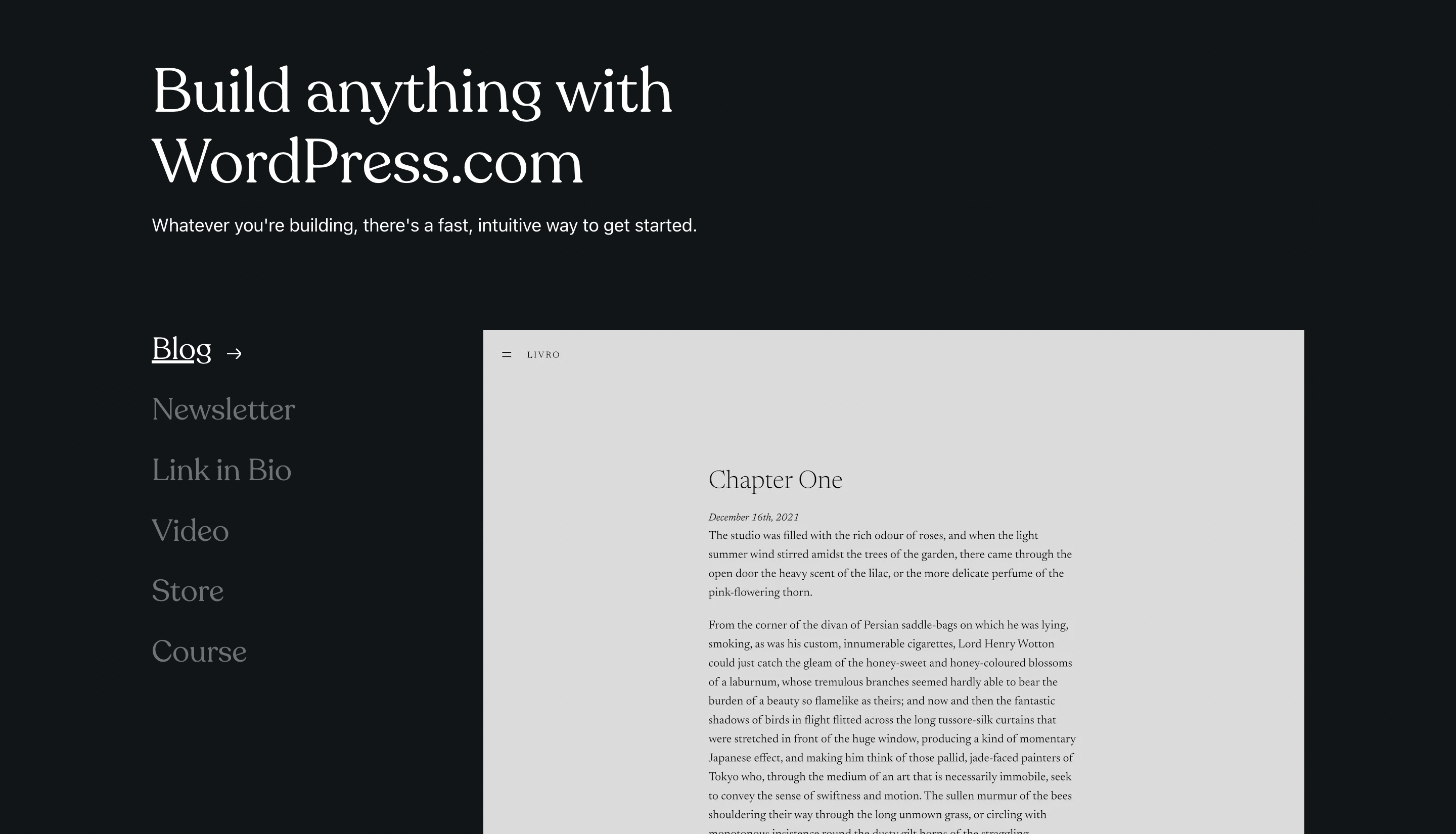
The plugin ecosystem is enormous. As of March 2026, the WordPress.org repository has over 61,000 free plugins (the 50,000 figure you see in older posts, including the original version of this one, is from around 2023). New plugin submissions grew 87% year-over-year in 2025.
Gutenberg is still the primary editor. WordPress 6.8 (“Cecil”) released in April 2025 as the only major release of 2025. They’ve moved to one major release per year.
User interface
Bubble’s point-and-click interface handles both design and logic from the same environment. WordPress separates them: Gutenberg for content, a theme or page builder (Elementor, Divi) for layout. Many professional agencies still default to Elementor or Divi rather than building directly in Gutenberg, which tells you something about how settled the core editor feels for design-heavy work.
Customisation
Both are highly customisable, but in different directions. Bubble gives you full control over data structure, user flows, and application logic. WordPress gives you 61,000+ plugins and a vast theme library. If your customisation need is “add a checkout” or “add a forum,” WordPress probably has a plugin. If your need is “build a multi-sided marketplace with custom matching logic,” you’re in Bubble territory.
SEO
WordPress is the stronger SEO platform. Yoast SEO remains the highest-install plugin by a wide margin, though Rank Math is now the practitioner-preferred alternative because it offers more features and a competitive free tier. Bubble has built-in meta tag and URL control, which covers the basics, but the plugin-powered SEO depth of WordPress is harder to match.
Performance
Bubble hosts your app and handles scaling automatically. WordPress performance depends heavily on your hosting choice, your theme, and how well your plugins play together. A poorly configured WordPress site can be significantly slower than a well-built Bubble app, and vice versa. Neither platform guarantees performance: both require deliberate decisions.
Security
This is worth calling out directly. Patchstack’s 2026 State of WordPress Security report found 11,334 new vulnerabilities in the WordPress ecosystem in 2025, a 42% increase over 2024. The risk is almost entirely in third-party plugins, not WordPress core. Around 13,000 WordPress sites get hacked per day.
Bubble is a managed SaaS platform. Bubble handles security at the infrastructure level. You’re still responsible for your application logic (insecure privacy rules, exposed data, that kind of thing), but you’re not managing plugin updates or server configurations. For a non-technical founder, that difference matters.
Pricing
Bubble’s pricing (annual billing, web only):
| Plan | Monthly price |
|---|---|
| Free | $0 |
| Starter | $29 |
| Growth | $119 |
| Team | $349 |
| Enterprise | Custom |
WordPress core software is free. You pay for hosting (typically $5–$30/month for shared hosting, more for managed WordPress), premium themes ($50–$200 one-time or annual), and premium plugins (varies widely). For a simple blog or marketing site, WordPress can be cheaper than Bubble. For a complex application, the hidden costs add up faster.
Governance
One thing I didn’t mention in the original version of this post: WordPress has a real governance risk that emerged in September 2024 and is still unresolved.
Matt Mullenweg controls both Automattic (the commercial entity behind WordPress.com) and the WordPress Foundation (the nonprofit that owns the WordPress trademark and WordPress.org infrastructure). In September 2024 he temporarily blocked WP Engine customers from accessing the WordPress.org plugin and theme repository. WP Engine sued for antitrust violations. A court granted a preliminary injunction restoring access, and the case is still in active litigation as of early 2026.
The dispute exposed something most people didn’t realise: one person controls the infrastructure that the “open source” WordPress ecosystem depends on. For a non-technical founder comparing Bubble (closed SaaS, known concentration risk) vs WordPress (open source, newly revealed governance risk), this is worth knowing.

Bubble: SaaS products, CRMs, internal tools, marketplaces, dashboards, native mobile apps.
WordPress: blogs, news sites, content-heavy marketing sites, e-commerce (WooCommerce). For landing pages specifically, Webflow and Framer are worth looking at before committing to WordPress.
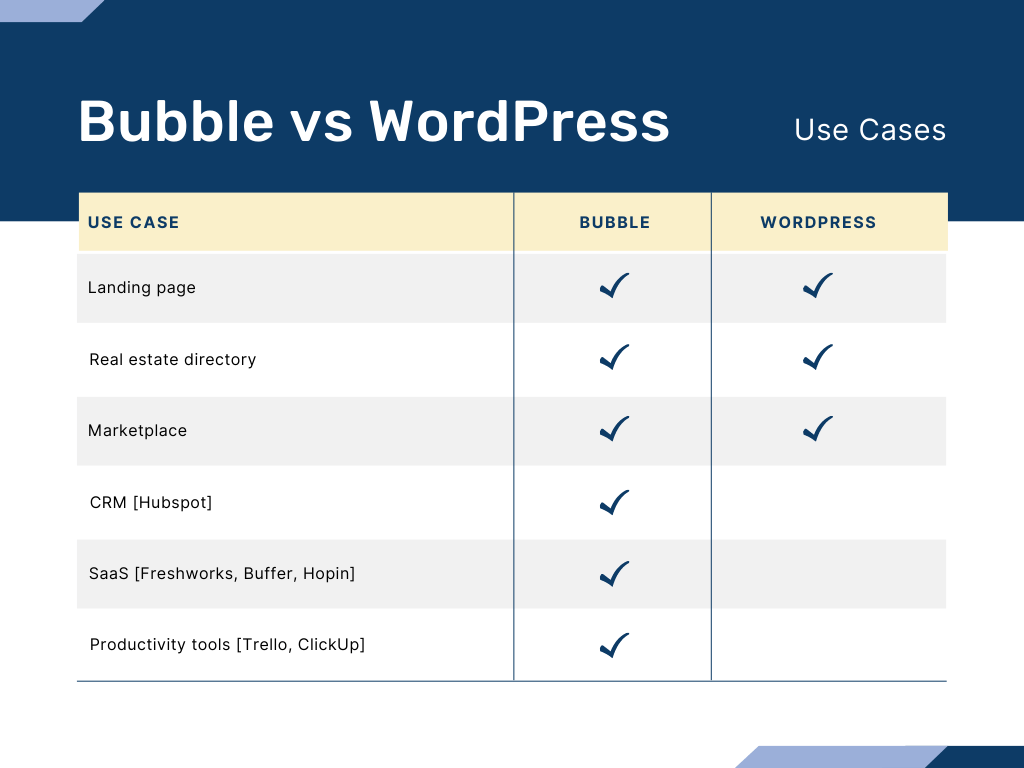
The choice isn’t really about which platform is better. It’s about which problem you’re solving. A WordPress site trying to behave like a product will require increasingly painful workarounds. A Bubble app trying to be a content-first marketing site will struggle with SEO depth and editorial workflows. Pick the tool that was designed for what you’re actually building.
Need an app, not a site? Bubble is probably what you're looking for.
WordPress is the right answer for content. Bubble is the right answer for products. If you're not sure which you're building, a 30-minute call will make it obvious.
Himanshu runs NocodeAssistant, a development agency that builds internal tools and SaaS products for growing companies. He's worked directly with every client since 2019. Same person from kickoff to post-launch.
Connect on LinkedInLet's talk
Book a relaxed 30-minute call. Bring whatever you're wondering about and we'll help you think it through, whether or not you ever work with us.
Continue reading
Buildship vs Xano: compare AI workflow capabilities, backend flexibility, pricing, and use cases to pick the right automation backend for your stack.
Bubble is faster to launch. WeWeb gives you code ownership and no lock-in. Here's which to pick and when switching from Bubble to WeWeb makes sense.
The wrong pick means a rebuild in 18 months. Bubble builds web apps, Webflow builds marketing sites. We compare UI control, CMS, SEO, and cost.