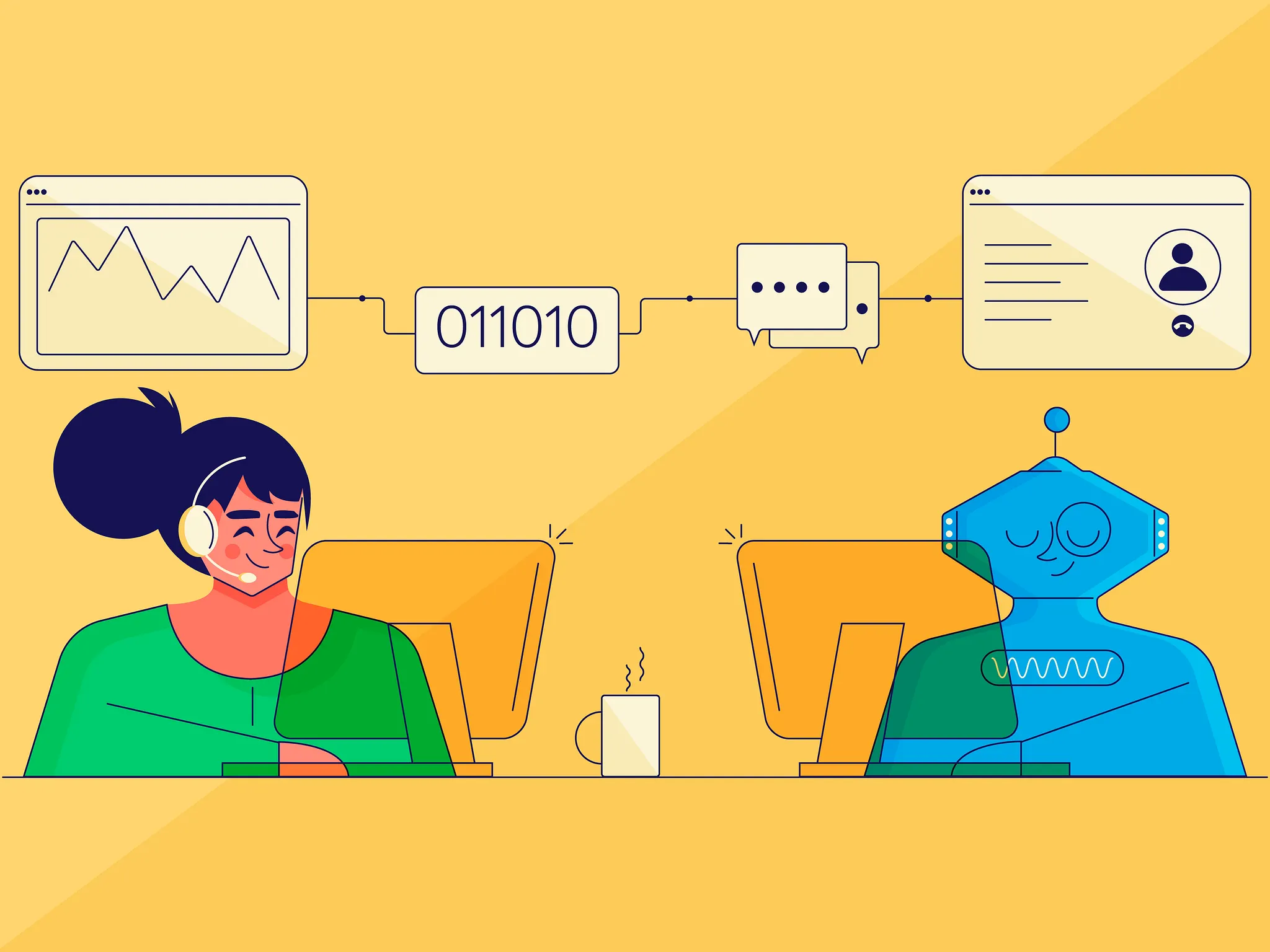
Most SMBs we talk to are running the same five manual tasks every week without realizing it’s eating their team’s time. No-code automation fixes that without needing to hire a developer.
No-code automation means automating business tasks and workflows with visual interfaces and pre-built components instead of code.
Start with the process, not the tool
Automation is useful when it removes repeated work with a clear owner and result. Take lead routing: a coordinator checks a form, copies details into the CRM, assigns an owner, sends an email, and sets a follow-up task. If that happens 40 times a week, the copy-and-paste work is a better starting point than a company-wide automation project.
Measure the current process first. Record how long it takes, where duplicate data is entered, and what happens when a follow-up is missed. Then automate the stable steps and leave exceptions with a named person.
What is no-code automation?
No-code automation is automating business tasks and workflows without traditional coding skills. Users can design, build, and deploy automated solutions using visual interfaces and pre-built components.
Benefits of using no-code tools for automation
No-code automation tools have many advantages, such as:
Faster implementation: No need to wait for developers to code and test the solution, which means you can automate tasks more quickly.
Cost-effective: They’re generally more affordable than hiring developers or investing in custom solutions.
Clear ownership: The person who owns the process can change a field, rule, or notification without opening a developer queue.
Flexibility and scalability: As your business grows, you can quickly adapt and expand your automation efforts using no-code tools.
Everyday use cases for no-code automation in businesses
Customer relationship management (CRM): Automating data entry, lead nurturing, and follow-up tasks.
Human resources (HR): Automating onboarding, time-off requests, and performance reviews.
Finance and accounting: Automating invoicing, expense tracking, and budget management.
Project management: Automating task assignments, status updates, and deadline reminders.
Marketing: Scheduling social media posts, automating email campaigns, and tracking analytics.
Now that you understand no-code automation better let’s explore how to choose the right tools for your business.
Difference between no-code and low-code automation
While both no-code and low-code automation tools aim to simplify the automation process, there are some critical differences between them:
No-code tools are for users with little programming knowledge, while low-code devices need basic coding skills.
No-code platforms often rely on drag-and-drop interfaces, while low-code platforms may involve a combination of visual interfaces and minimal scripting.
The main objective is to overcome the usual limitations in IT development, such as time, resources, and budget, to attain flexibility in the company’s operations.
When selecting the perfect no-code automation tool for your business, keep these factors in mind:
Ease of use: The tool should have a simple interface allowing non-technical users to learn and automate processes quickly.
Scalability: Your chosen tool should be able to grow with your business, supporting more complex processes and a more significant number of users as needed.
Integration capabilities: The tool should integrate cleanly with your existing systems and software to ensure a smooth automation experience.
Pricing and support: Consider the tool’s pricing structure, as well as the availability of support resources, such as documentation, training, and customer service.
Top no-code automation tools for businesses
Zapier: A popular automation platform to connect nearly every app in the world. It is best suited for simple and popular automation.
Make (formerly Integromat): It’s a capable, inexpensive competitor to Zapier. The user interface of Make is inclined towards developers, but the flexibility and pricing make it a strong contender.
Airtable: It began as a database and spreadsheet tool but has morphed into an automation platform. You can trigger workflows from inside your Airtable base and use Zapier/Make to connect it to other third-party apps.
n8n: Self-hosted or cloud, with an open-source core and pricing that doesn’t scale linearly with task volume the way Zapier’s does. Here’s how we build client automations on n8n.
Each tool has its unique features and strengths, so it’s essential to evaluate them based on your specific needs and requirements.
Strategies for implementing no-code automation
Identify a process worth automating
Look for work that happens often, follows the same steps, and has a measurable failure cost. Weekly reporting, duplicate data entry, approval reminders, and missed follow-ups are good candidates. A process that changes every time or needs human judgement is not ready for a simple automation.
Establishing clear automation goals and KPIs
Set clear goals and KPIs before beginning your automation efforts. By establishing measurable goals, you can better evaluate the impact of automation on your business. These goals should include metrics like reduced error rates, increased productivity, and improved customer satisfaction.
Give the workflow an owner
Automation still needs a person who can answer, “What should happen when this fails?” Give that owner a simple log, an alert, and a way to retry or correct a record. Without ownership, a failed automation becomes invisible work for the operations team.
Keep no-code automation reliable
Ensuring data security and compliance
While prioritising speed and cost, paying attention to data security and compliance is crucial. Choose tools that adhere to industry standards, have strong security measures, and comply with relevant data protection regulations.
Only some people need a HIPPA and SOC-2-compliant tool, but it doesn’t hurt to research compliance and security ratings.
Regularly monitoring and optimising automated processes
Once you’ve set up your automation, monitoring and optimising the automated processes is essential. Analyse the performance data and KPIs, identify areas for improvement, and make necessary adjustments to ensure that your automation efforts remain effective and efficient.
Scaling automation across different departments
Start small by automating processes within a single department. Once you’ve seen success and gained experience, you can begin scaling your efforts to other departments within your organisation.
This approach allows you to learn from your initial experiences and refine your strategy as you expand automation throughout the company.
Train people on the exception path
People do not need a course on every feature. They need to know what the automation handles, what it does not handle, and how to fix an exception. Document those three points beside the workflow.
What no-code automation can’t do
Cutting manual steps, reducing errors, and freeing up your team’s time are benefits that compound fast once you’ve done it for a few processes.
But none of these tools help once the workflow needs a decision in the middle, not just a trigger and an action. Someone has to judge which case is the exception. See what an AI agent actually does when that’s the bottleneck.
Himanshu runs NocodeAssistant, a development agency that builds internal tools and SaaS products for growing companies. He's worked directly with every client since 2019. Same person from kickoff to post-launch.
SAP and NetSuite are built for companies ten times your size. Here's why a $12,000 custom tool fixes more than a $150,000 ERP, and how to know which one you actually need.