10 No-Code Development Platforms for Every Need in 2023


No-code development is one of the recent trends in the tech industry. As technology advances, so does the way we build and develop applications. This rise in no-code development has opened the doors for more people to become creators and entrepreneurs.
Why the Rise in No-Code Development?
The rise in no-code development is due to a few factors. Firstly, it's easier to learn and use than traditional coding languages, which means more people can get involved. The no-code tools available today are more powerful than ever. Developers can now create complex applications without writing a single line of code. And with the increasing demand for software developers, companies want to reduce costs.
The Benefits of No-Code Development
No-code development has several benefits
- It allows for faster development times, meaning you can get your product to market quicker.
- It allows for greater flexibility and agility, as you can quickly change your application without writing new code.
- It's more cost-effective than hiring a team of developers.
Related: No-code vs Traditional Coding
What It Is and What It Isn't
Before diving into the top no-code development platforms, it's important to understand what no-code is and isn't.
No-code is what it sounds like. It's a way to build software applications without writing any code. It might sound like magic, but it's not. It's a result of the incredible advances in software development tools over the past decade.
No-code platforms provide a simple interface that allows anyone to create complex applications without writing code. Yet, it's important to note that no-code isn't a silver bullet.
No-code platforms are a great tool for building simple to complex applications. But they won't replace traditional coding. For advanced applications, you'll still need to work with developers with a deep understanding of programming languages and computer science principles.
1. Bubble: The All-in-One Visual Programming Platform
When it comes to visual programming, Bubble is a no-code development platform that's leading the pack. It's an all-in-one platform that allows you to build fully-featured web and mobile applications.
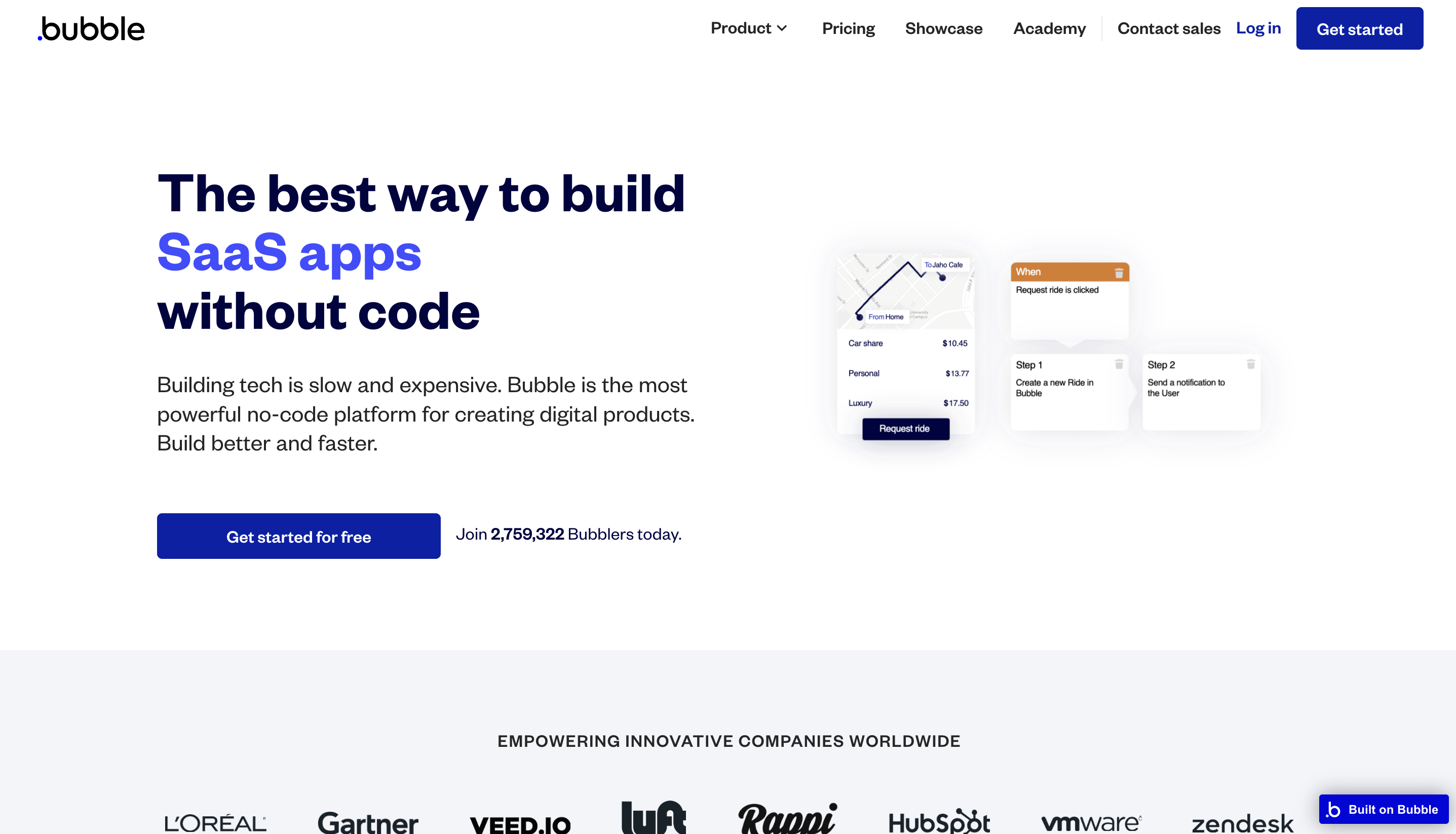
Bubble is a great choice when you want to build something quickly and easily without sacrificing quality. You can create everything from simple landing pages to complex marketplaces, social networks, and even fully featured SaaS applications.
Bubble's platform can handle even the most complex applications so that you can confidently build and grow your business.
Related: Building with Bubble
Use Cases for Bubble
- Marketplaces and eCommerce platforms
- Social networks and communication apps
- SaaS applications and productivity tools
- Custom internal tools and dashboards
Pros of Bubble
- Easy to use
- Powerful API integrations
- Collaborative features
Cons of Bubble
- Some limitations on advanced functionality
- Not ideal for mobile apps
- It can be expensive for larger B2C applications
2. Webflow: The Professional Designer's No-Code Platform
Webflow is a no-code platform that is popular among professional designers. It allows designers to build complex and visually stunning websites without any coding knowledge.
Webflow offers seamless integration with a powerful CMS, allowing easy content management. And advanced users can easily add custom code to their designs, giving them even greater control over their projects.
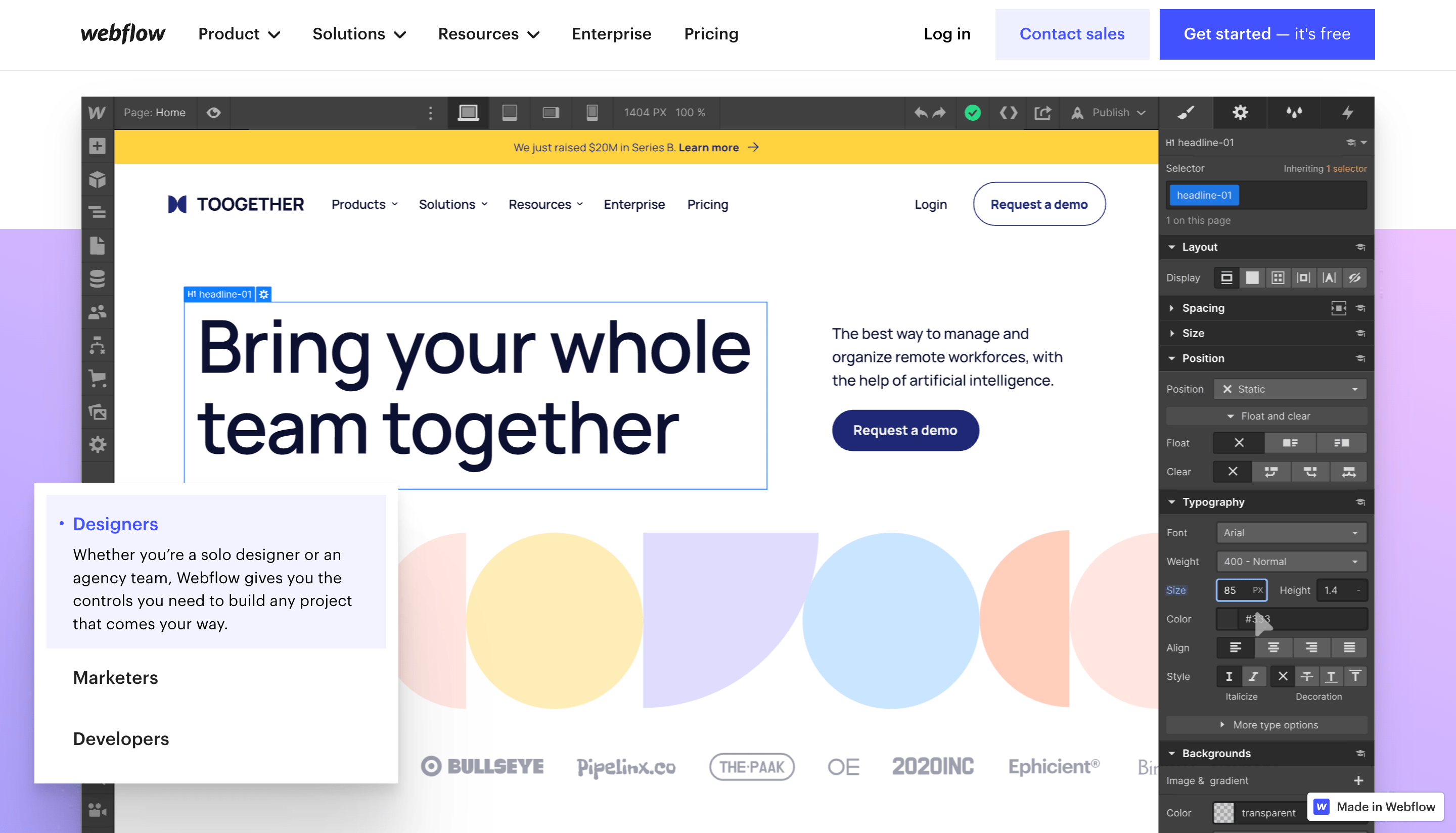
Webflow is excellent for creatives, small to medium-sized businesses, and marketers who want to build beautiful, functional websites without writing code. While there are some limitations and a steeper learning curve than other options, the platform's powerful design tools, e-commerce capabilities, and SEO-friendly templates make it a popular choice for many users.
Use Cases for Webflow
- Portfolio website
- E-commerce store
- Landing pages
- Marketing pages
Pros of Webflow
- Drag-and-drop interface
- Powerful design tools
- Access to pre-built templates
- E-commerce capabilities
- SEO-friendly
Cons of Webflow
- Steeper learning curve than some other no-code platforms
- Higher cost than some other options
- Not as flexible as coding from scratch
- Some limitations on customisation
Related: Bubble vs Webflow - a comprehensive guide
3. Shopify: The E-commerce Solution for No-Coders
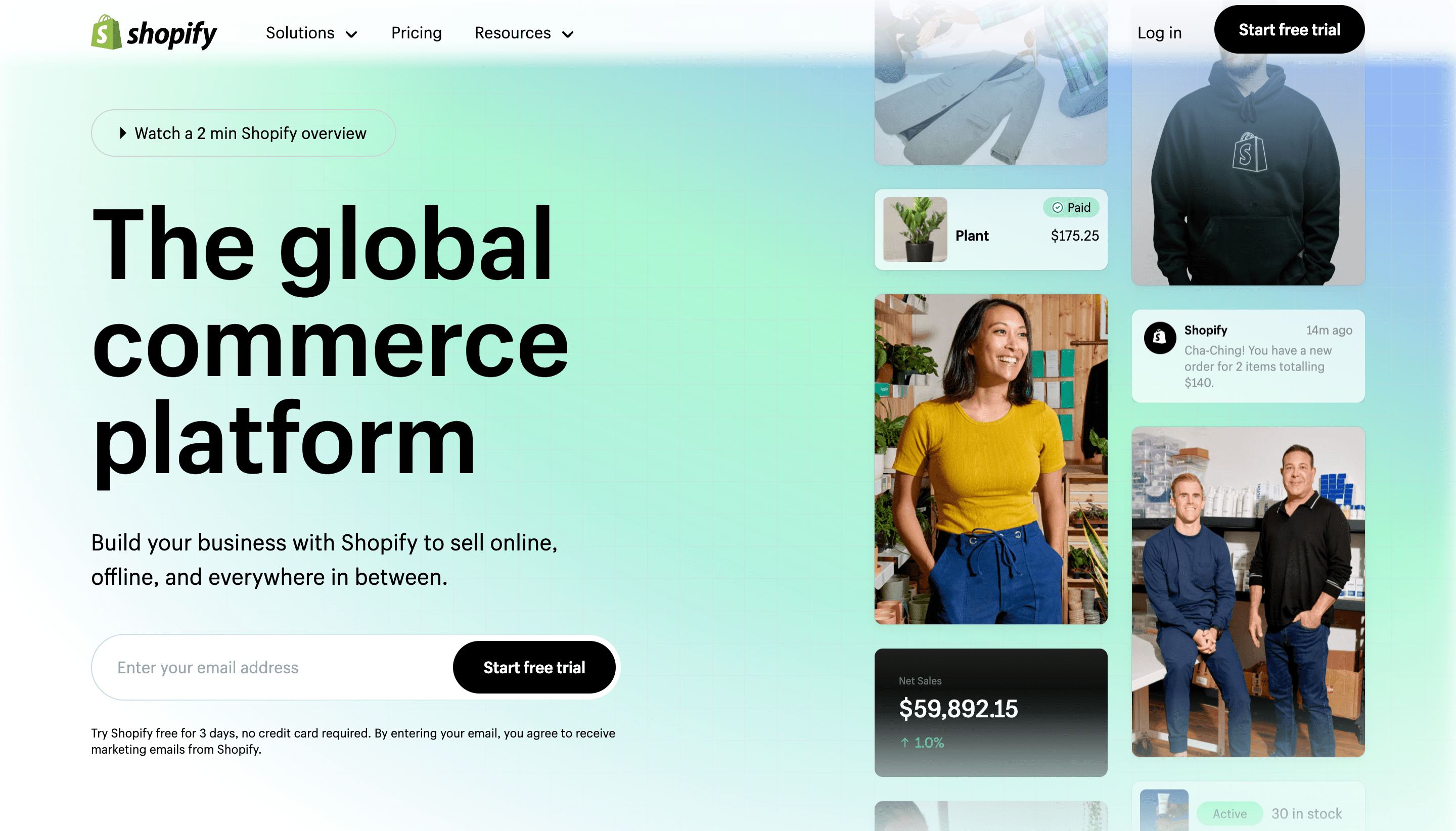
If you want to create an online store without coding, Shopify is your platform. With its user-friendly interface, Shopify provides a perfect solution for entrepreneurs and small business owners to launch their e-commerce websites without worrying about technicalities.
Shopify integrates with various payment gateways and shipping providers, making managing your payments and shipping options easy. And a range of apps and plugins help you add new features and functionality to your store.
Use Cases for Shopify
- Small businesses:
- Dropshipping
- Brick-and-mortar stores
Pros of Shopify
- Easy to use
- Range of features
- Scalable
- Secure
Cons of Shopify
- Transaction fees
- Limited customisation
- Dependency on third-party apps
4. Glide: The App Builder for Everyone
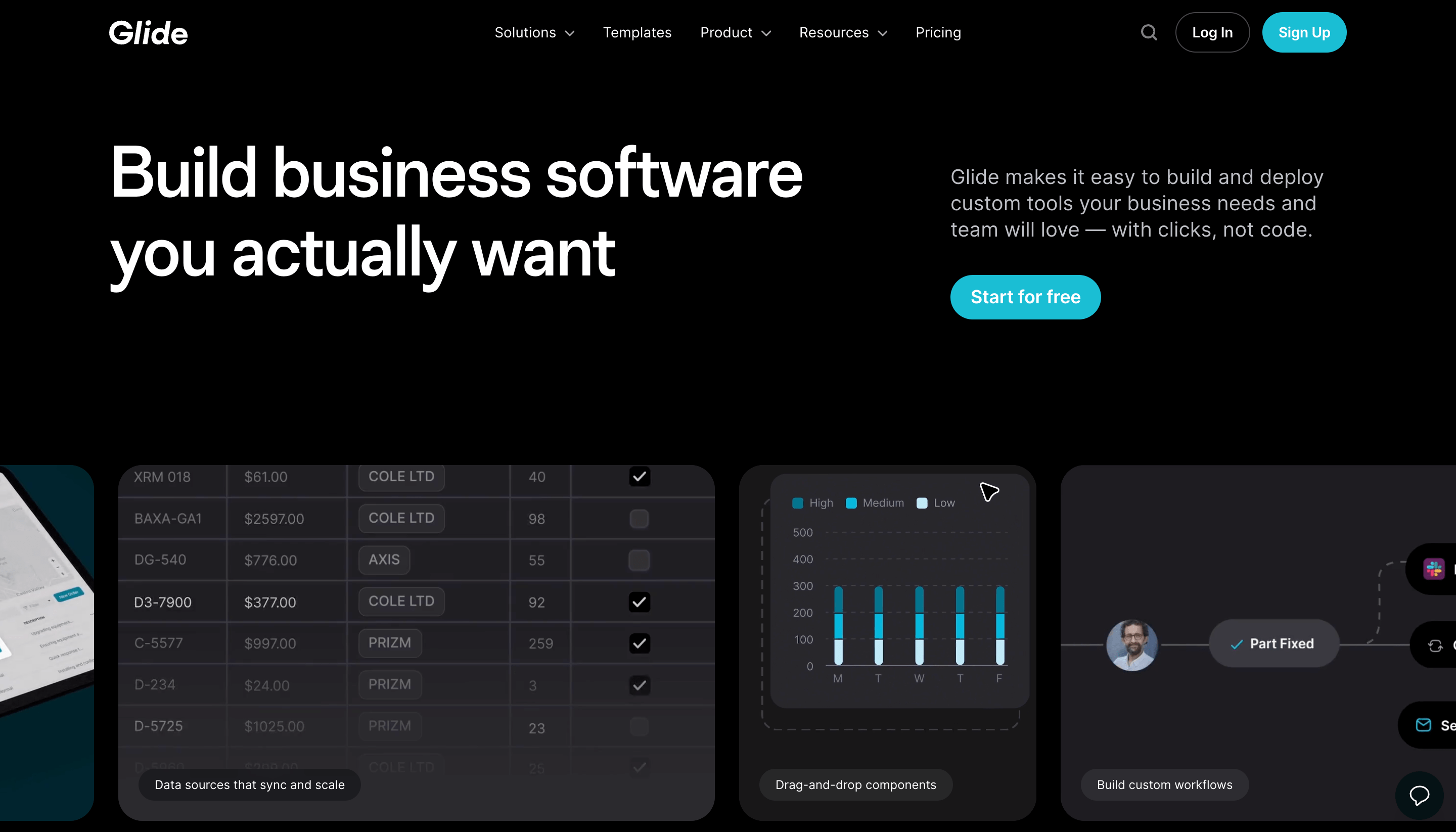
Glide is an app builder allowing anyone to create their own mobile apps without coding experience. This platform enables individuals to develop fully functional and professional-looking apps in hours. With a simple drag-and-drop interface, you can create custom forms, add images and maps, and even incorporate e-commerce features.
Use Cases for Glide
- Small businesses looking to create an app to engage with customers.
- Non-profit organisations creating apps for fundraising or volunteering purposes
- Individuals creating personal apps to share with friends and family.
- Entrepreneurs testing and validating their app ideas before investing in the development
Pros of Gilde
- Easy to use interface
- Fast development time
- Integration with Google Sheets
- Low cost
Cons of Gilde
- Limited functionality
- Dependency on Google Sheets
- Design limitations
Related: No-code and agile development
5. Xano: The No-code Backend for Web and Mobile Apps
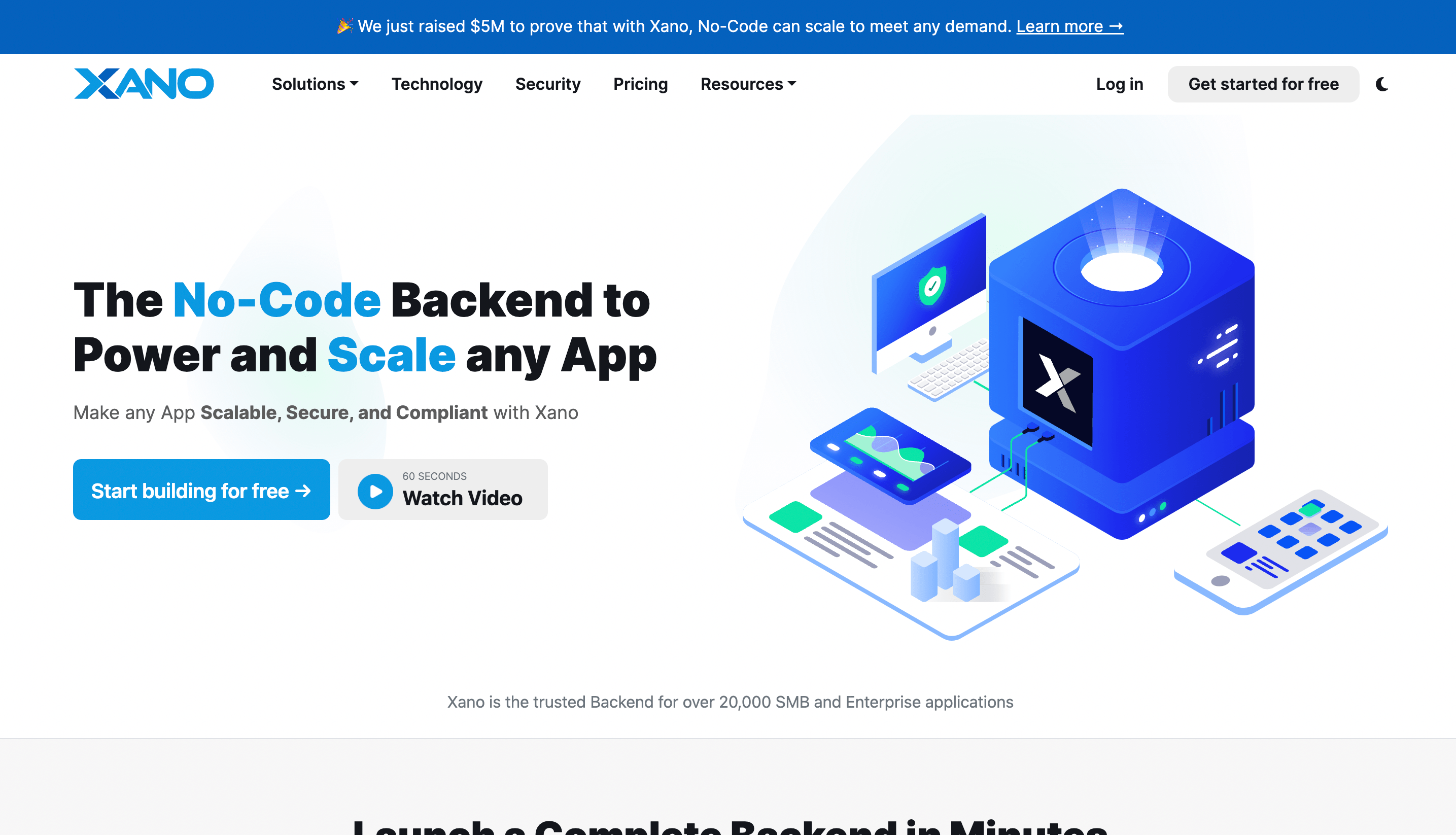
Creating full-featured and scalable mobile and web applications can be challenging for developers, and it can take months to build a custom backend infrastructure. But with Xano, the no-code backend platform, you can quickly create complex backends for your apps without coding and save time and money.
Xano follows a modular approach, which means you can create backend components, such as databases, APIs, and workflows, and then connect them to build a complete backend infrastructure. You don't need to worry about server management, scalability, or security, as Xano handles everything for you.
With Xano, you can easily create workflows that automate tasks, such as sending emails, processing payments, or triggering events based on user actions. You can also leverage Xano's APIs to integrate with other services or platforms like Zapier, Stripe, or Shopify.
Pros of Xano
- Xano is a powerful tool for building APIs without writing any code.
- It offers a visual interface for creating and managing data models, which can save a lot of time and effort.
- Xano is fully scalable and can handle large amounts of traffic and data.
- Xano integrates with many other tools and platforms, making it a versatile option for many projects.
Cons of Xano
- Xano can be expensive compared to some other no-code development platforms.
- Xano requires technical knowledge and understanding of APIs and data modelling, which may be a barrier for some users.
6. WeWeb: Scalable and Powerful No-code Front-end
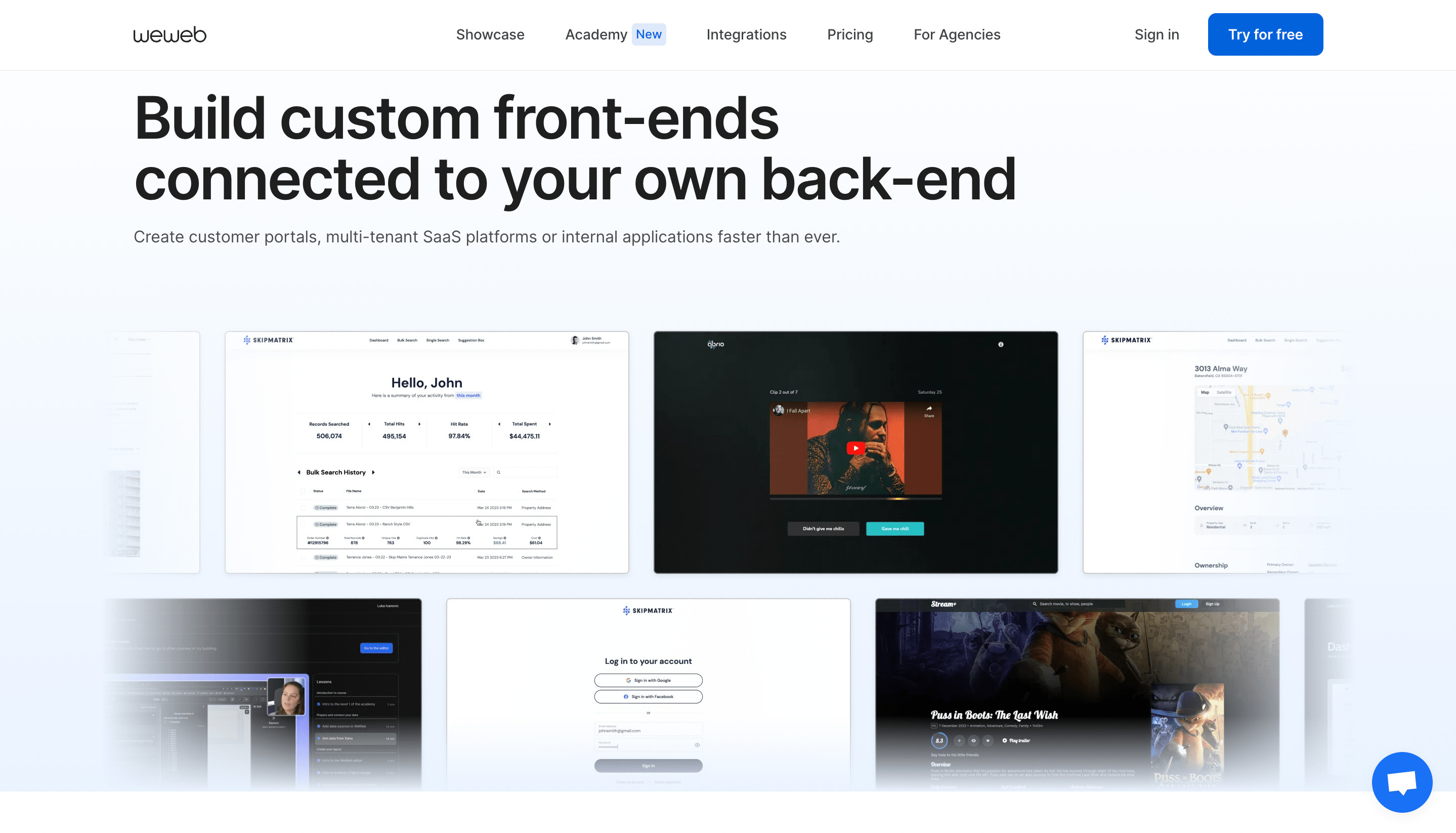
WeWeb is a no-code development platform that offers a powerful and scalable front-end solution for businesses. With its intuitive drag-and-drop interface, users can quickly create visually stunning websites and web applications without writing a single line of code.
WeWeb is an excellent choice for businesses that want to create professional-looking web apps quickly and easily. The platform's drag-and-drop interface and pre-built templates make it easy to start. At the same time, its scalability means you can continue to add features and functionality as your needs evolve.
Use cases for WeWeb
- Creating the front end of a SaaS platform.
- Creating a marketplace front end.
- Creating a blog
- Creating an internal tool to visualise data
Pros of WeWeb
- Easy to use
- Affordable
- Responsive design
- Drag and drop interface
Cons of WeWeb
- It can be technical for non-coders
- An external database is required
7. Zapier: The Ultimate Automation Tool
If you're looking for an automation tool to streamline your workflow and increase productivity, look no further than Zapier. With Zapier, you can easily connect different apps and automate repetitive tasks, saving you time and effort. Whether you're a small business owner or a freelancer, Zapier's user-friendly interface and vast integration options make it the ultimate automation tool.
Zapier allows you to connect over 2,000 apps, including popular tools like Gmail, Slack, Trello, and Asana. It means you can automate your workflow across multiple platforms, eliminating the need for manual data entry and reducing the risk of errors.
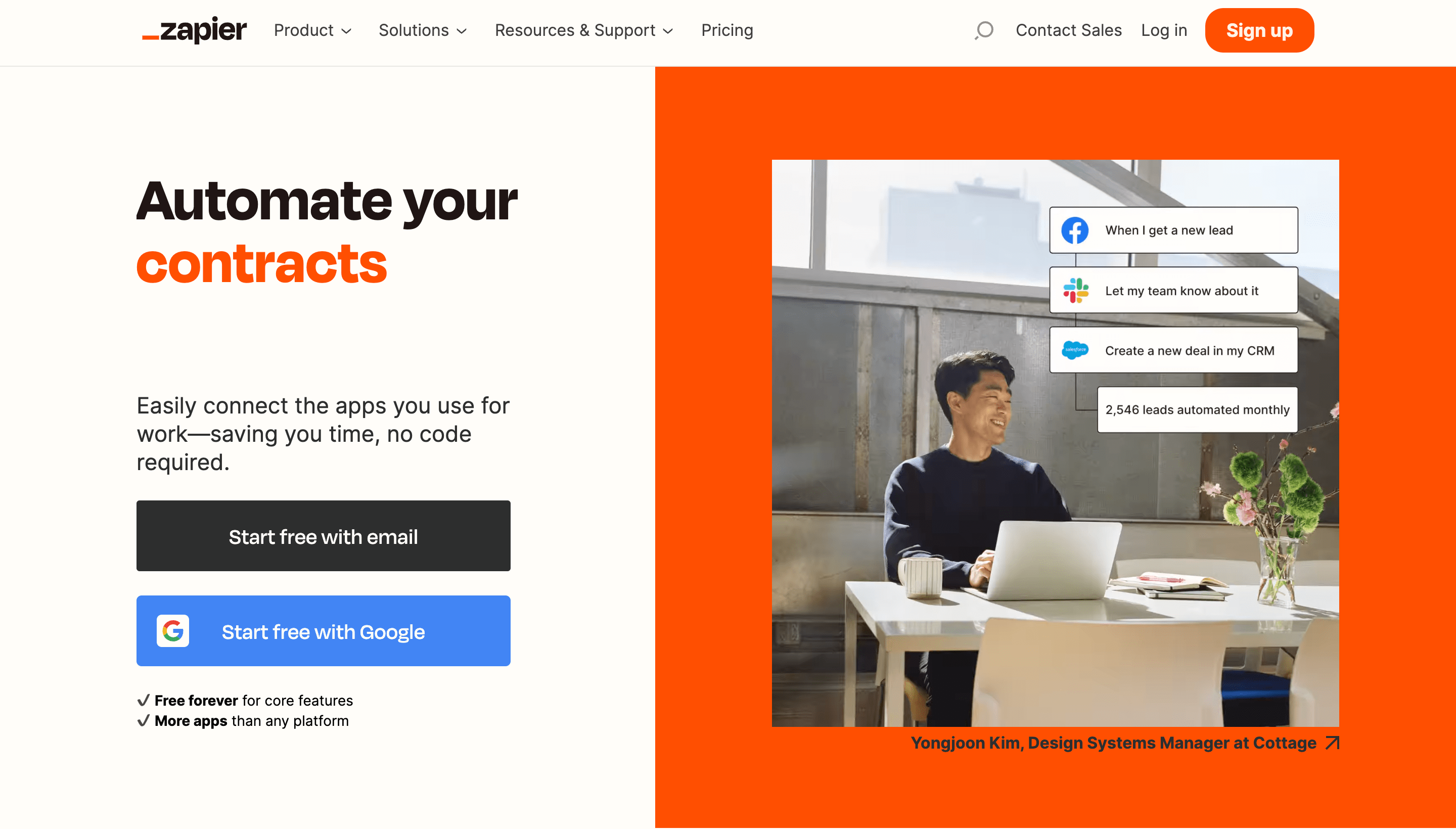
With Zapier, you can create custom workflows called "Zaps" to automate repetitive tasks, such as creating a new Trello card when an email arrives in Gmail or sending a Slack notification when a new lead is added to your CRM.
Use cases for Zapier
- Automatically create Trello cards for new emails in Gmail.
- Send Slack notifications when a new lead is added to Hubspot.
- Add new Shopify customers to a Google Sheets spreadsheet.
- Save new Instagram photos to Dropbox.
- Automatically tweet new WordPress posts.
Pros of Zapier
- Zapier has a vast library of integrations with over 2,000 apps, making connecting the different tools you use easy.
- The platform is user-friendly and easy to set up, even for those without coding experience.
- Zapier offers a free plan with limited features and paid plans with more advanced functionalities.
- Automating repetitive tasks with Zapier can save you time and increase your productivity.
Cons of Zapier
- Zapier can become expensive for larger teams or those with more complex workflows. The free plan only allows for up to 100 tasks per month, which may not be enough for some users.
- Some users have reported issues with the reliability of specific integrations.
8. Adalo: No-Code App Development Made Simple
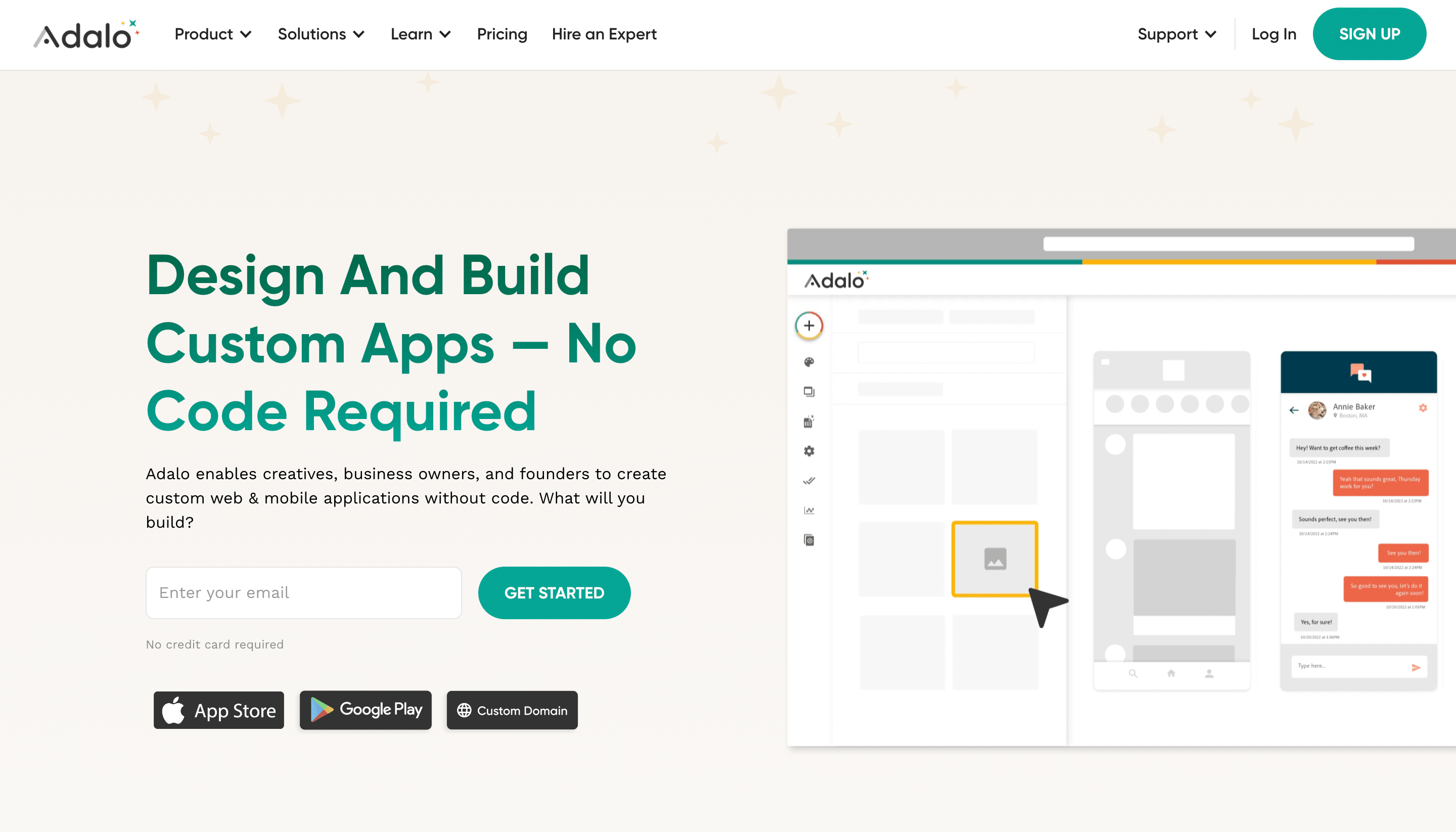
Adalo is a powerful no-code app development platform allowing you to create mobile and web apps without coding experience. Adalo makes it easy to build a professional-looking app from scratch with its user-friendly interface and drag-and-drop editor. Whether you want to create an app for your business or personal use, Adalo has covered you.
Use cases for Adalo
- Small businesses and startups
- Non-technical entrepreneurs
- Prototyping
- Internal business apps
- Event apps
- Marketplace apps
Pros of Adalo
- Adalo is user-friendly and easy to use, even for beginners with no coding experience.
- A wide range of pre-built components and templates make it easy to create complex apps quickly.
- Adalo offers seamless integration with third-party services, including Stripe, Airtable, and Zapier.
Cons of Adalo
- Adalo has limited functionality compared to traditional coding, which means some complex features may not be possible.
- The platform has limited design customisation, making it challenging to create a unique and personalised look and feel for your app.
- Adalo can be costly for larger projects, with a pricing model that charges per user action.
9. Airtable: The All-In-One Database Solution
Many businesses struggle to find a solution that meets all their needs when managing data. That's where Airtable comes in.
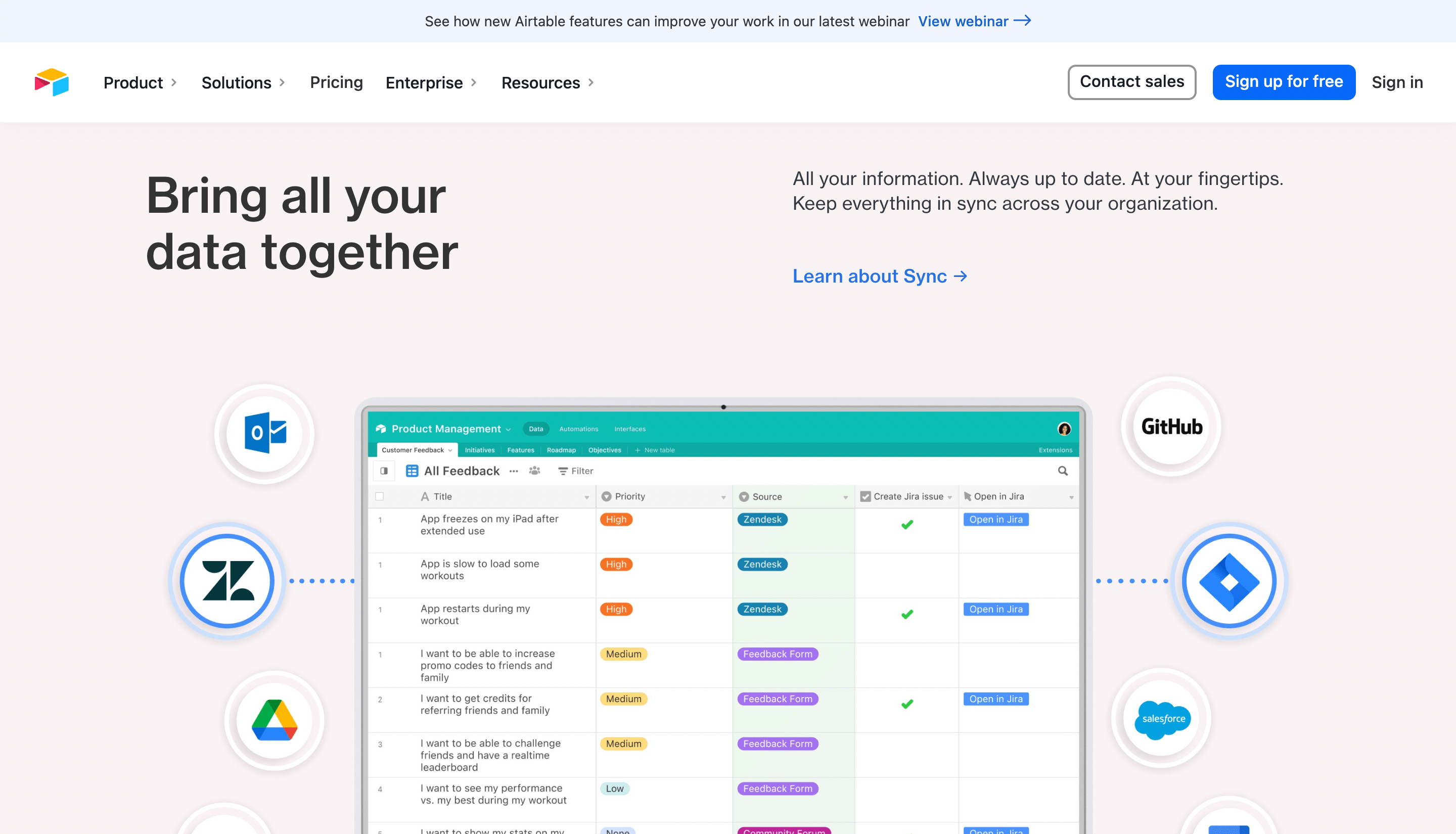
It combines the flexibility of a spreadsheet with the power of a database. It allows you to organise virtually anything, from sales leads to project tasks to customer feedback, all in one place.
Use Cases for Airtable
- Project Management
- Sales Pipeline
- Content Calendar
Pros of Airtable
- Flexible and customisable
- User-friendly
- Collaborative
- Airtable integrates with various tools and apps, such as Zapier, Slack, and Google Drive.
- Mobile app lacks features so the web app will be needed.
Cons of Airtable
- It may not have all the advanced features and capabilities some users need for complex projects.
- Airtable's pricing plans can be expensive for larger teams or businesses with more complex needs.
- Airtable's security and privacy measures may not be sufficient for highly sensitive data or industries with strict regulations.
10. Bravo: Turn Your Design into a Native App without Coding
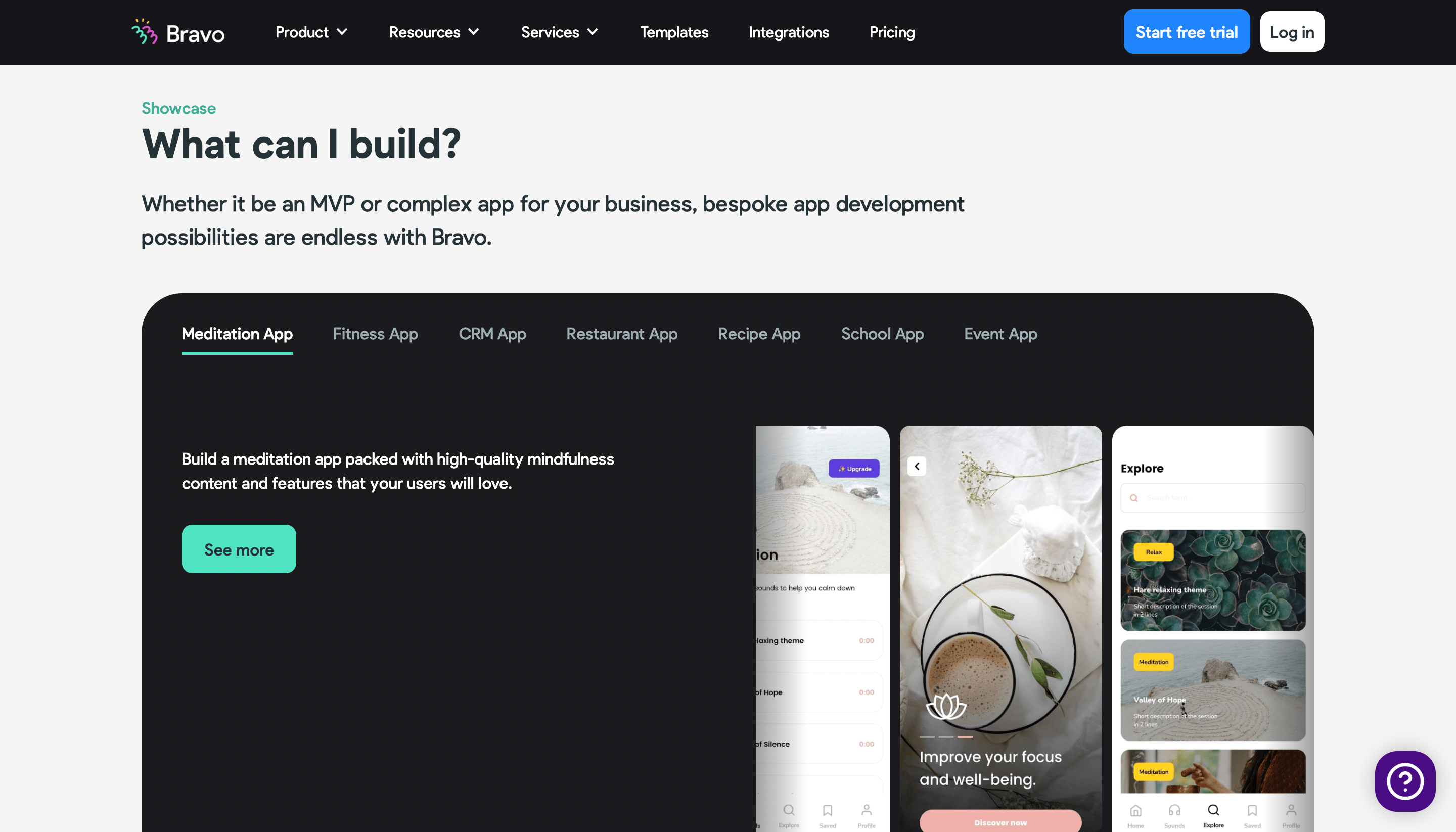
If you're a designer looking to turn your designs into fully functional native apps without writing any code, Bravo Studio is the perfect platform for you. With Bravo, you can easily create interactive prototypes, add animations, and turn them into fully functional mobile apps you can publish on the app store.
Pros of Bravo
- Easy to use
- Pixel perfect design
- Offline mode
Cons of Bravo
- Limited functionality
- Customisation limitations
Future of No-Code Development: What's Next?
With the continued growth of the no-code movement, even more, tools will be available.
- Increased Integration: No-code tools will seamlessly integrate with other software and applications, making building and customising solutions even more accessible.
- More Automation: Automation will become even more prevalent in no-code platforms, allowing users to streamline tasks and workflows.
- Greater Customization: No-code tools will continue to become more customisable, allowing users to create solutions that fit their needs.
Related: Scaling your business with no-code
Want software that moves the needle?
We’ve helped ops teams, marketing leads, and SaaS founders build software that scales.