
Welche Geschäftsprozesse zuerst automatisieren? | NocodeAssistant
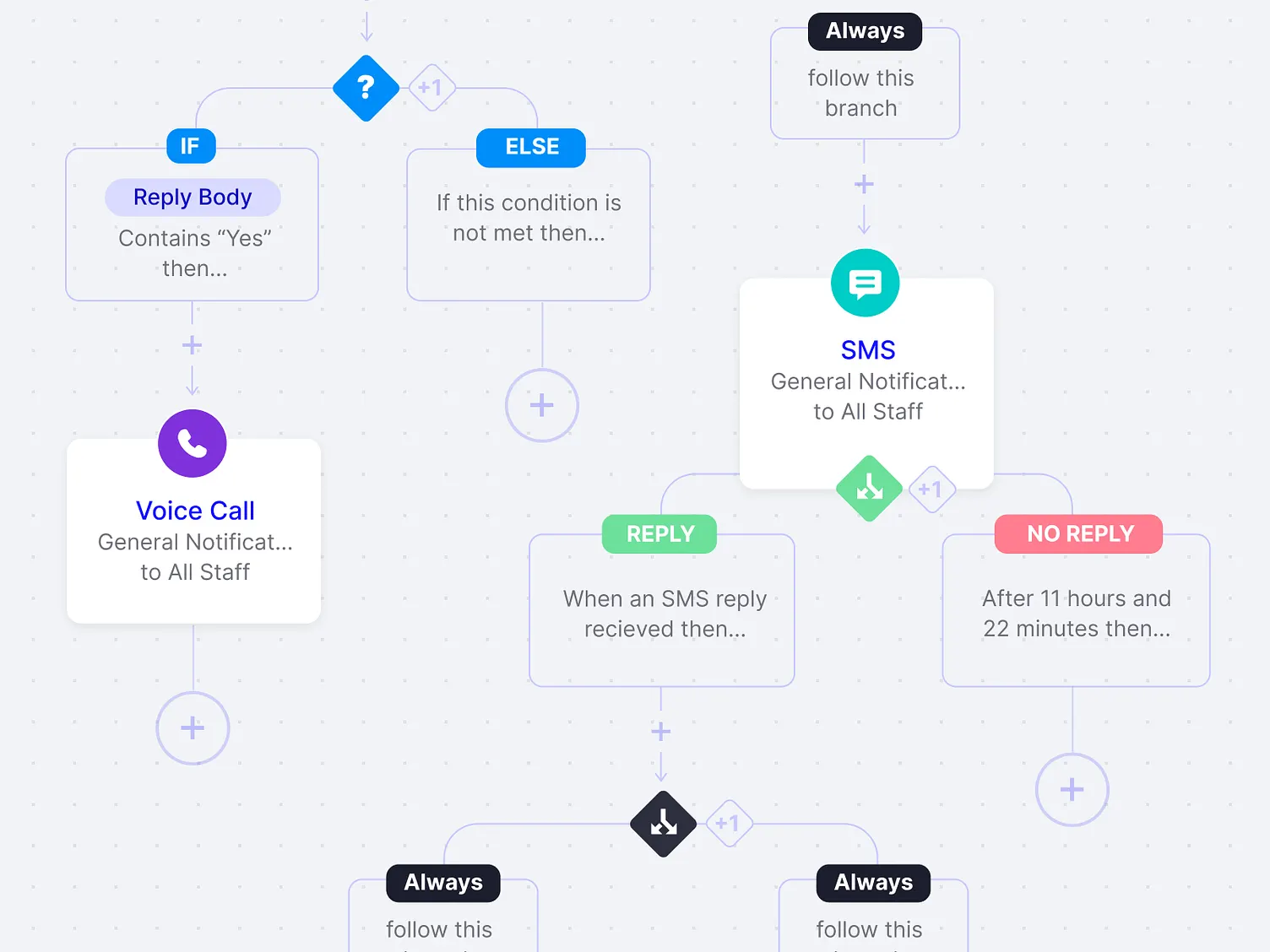
Letzten Monat sprach ich mit einem Gründer, der alles automatisieren wollte. Sein Team war überfordert. Bestellungen kamen per E-Mail herein. Jemand kopierte sie in eine Tabelle. Jemand anderes verschob diese Daten in ihr Inventarsystem. Eine dritte Person verschickte Bestätigungs-E-Mails. Vier Stunden am Tag, einfach weg. Er wollte Software, um all das zu beheben.
Aber hier ist, was ich ihm sagte: Nicht jeder fehlerhafte Prozess braucht Software.
Manche brauchen eine bessere Tabelle. Manche brauchen eine neue Einstellung. Manche müssen ganz abgeschafft werden. Sie wurden vor fünf Jahren erstellt, und seitdem hat niemand sie hinterfragt.
Aber ein paar Prozesse? Ein paar verbrauchen jede Woche stillschweigend Stunden und Geld. Das sind die, für die es sich lohnt, etwas zu entwickeln. Das sind die, die sich zehnfach auszahlen.
Die Frage ist, woher wissen Sie, welcher welcher ist?
Ich habe Jahre damit verbracht, Unternehmen dabei zu helfen, dies herauszufinden. Hier ist, was ich gelernt habe.
Die “Drei-Personen-Regel”
Beobachten Sie, wie eine Aufgabe durch Ihr Unternehmen wandert. Zählen Sie die Hände, durch die sie geht.
Ein Kunde meldet sich an. Der Vertrieb markiert ihn als abgeschlossen. Dann erhält der Betrieb eine Slack-Nachricht. Sie richten das Konto ein. Dann sendet die Finanzabteilung eine Rechnung. Drei Personen. Drei Übergaben. Jede Übergabe ist eine Chance, dass etwas schiefgeht.
Das nenne ich die Drei-Personen-Regel.
Wenn eine Aufgabe drei oder mehr Personen erfordert, haben Sie etwas gefunden, das sich zu automatisieren lohnt.
Es ist nicht so, dass Übergaben schlecht sind. Manche Arbeiten erfordern tatsächlich mehrere Spezialisten. Aber die meisten Übergaben existieren, weil Tools nicht miteinander kommunizieren. Oder weil der Prozess organisch gewachsen ist und niemand ihn entworfen hat.
So erkennen Sie diese:
Wählen Sie eine beliebige gängige Aufgabe in Ihrem Unternehmen. Kunden-Onboarding. Auftragsabwicklung. Rechnungsstellung. Verfolgen Sie sie nun. Zeichnen Sie sie buchstäblich auf, wenn Sie müssen. Wo beginnt sie? Wohin geht sie als Nächstes? Wer bearbeitet sie, bevor sie abgeschlossen ist?
Wenn Sie ein Ping-Pong-Muster sehen, Vertrieb zu Betrieb zu Finanzen zurück zu Betrieb, ist das Ihr Signal. Nicht unbedingt zum Automatisieren. Aber zum Analysieren.
Fragen Sie sich. Fügen diese Übergaben Wert hinzu, oder fügen sie Schritte hinzu?
Das “Wir wissen es einfach”-Problem
Es gibt eine Frau in einem Logistikunternehmen, mit dem ich zusammengearbeitet habe. Nennen wir sie Maria. Maria ist seit neun Jahren dort. Sie weiß alles.
Wenn eine Sendung markiert wird, weiß Maria, welchen Spediteur sie anrufen muss. Wenn ein Kunde sich beschwert, kennt Maria seine Historie, ohne das System zu überprüfen. Wenn etwas Seltsames mit dem Zoll passiert, kennt Maria die Lösung.
Maria ist unbezahlbar. Maria ist aber auch eine Belastung.
Nicht weil sie schlecht in ihrem Job ist. Sie ist außergewöhnlich gut in ihrem Job. Das ist das Problem. So viel operatives Wissen des Unternehmens steckt in ihrem Kopf und nirgendwo sonst.
Wenn Maria krank wird, verlangsamen sich die Dinge. Wenn Maria Urlaub macht, warten die Leute auf ihre Rückkehr, bevor sie Entscheidungen treffen. Wenn Maria kündigt – und Leute kündigen nun mal –, verliert das Unternehmen jahrelanges, über die Jahre aufgebautes Wissen.
Das nenne ich “Wir wissen es einfach”-Prozesse. Sie funktionieren wunderbar, weil jemand Kompetentes sie herausgefunden hat. Aber sie sind fragil. Sie skalieren nicht. Sie können neuen Mitarbeitern nicht leicht beigebracht werden.
So finden Sie sie:
Stellen Sie sich vor, Ihre beste operative Person geht morgen. Was bricht zuerst zusammen? Was würde ein neuer Mitarbeiter absolut nicht wissen, wie er es tun soll, ohne jemanden zu fragen?
Dort sollte die Dokumentation angesiedelt sein. Und oft kann dort die Automatisierung helfen. Nicht um Maria zu ersetzen, sondern um das Wissen von Maria zu erfassen, damit das Unternehmen nicht von einer einzelnen Person abhängig ist.
Das Copy-Paste-Audit
Beobachten Sie, wo Ihr Team kopiert und einfügt.
Zwischen Browser-Tabs. Zwischen Tabellen. Von einer E-Mail in ein System. Von einem System in ein anderes System, das eigentlich verbunden sein sollte, es aber nicht ist.
Ich habe einmal beobachtet, wie ein Betriebsleiter 20 Minuten damit verbrachte, Bestelldaten von Shopify in eine Tabelle zu kopieren. Dann in ihre Versandsoftware zu kopieren. Dann die Sendungsverfolgungsnummern zurück in Shopify zu kopieren.
Zwanzig Minuten. Jeden einzelnen Tag. Das sind über 80 Stunden im Jahr oder zwei volle Arbeitswochen, die mit Kopieren und Einfügen verbracht werden.
Das ist manuelle Integration. Und es ist fast immer das Automatisierungsziel mit dem höchsten Ertrag, das Sie finden werden.
Warum? Weil keine Expertise erforderlich ist. Ein Mensch erledigt Roboterarbeit, die ein Roboter erledigen sollte.
So prüfen Sie dies:
Fragen Sie Ihr Team: “Welche Daten verschieben Sie regelmäßig von einem Ort zum anderen?” Dann beobachten Sie sie einen Nachmittag lang bei der Arbeit. Sie werden es sehen. Manchmal erfordert es eine einfache Integration. Manchmal ist es ein kleines Stück kundenspezifischer Software. Aber es existiert fast immer.
Der “Wir haben ein Tool ausprobiert”-Friedhof
Jedes Unternehmen hat einen.
Die Projektmanagement-App, die niemand mehr aktualisiert. Das CRM, das der Vertrieb nach drei Monaten nicht mehr nutzte. Das Automatisierungstool, das am Ende mehr Probleme verursachte, als es löste.
Diese Misserfolge sind nicht peinlich. Sie weisen auf echte Probleme hin.
Denken Sie darüber nach. Jemand in Ihrem Unternehmen sah einen Schmerzpunkt. Er suchte nach Lösungen. Er fand Software, die versprach, es zu beheben. Er kaufte sie, richtete sie ein und versuchte, sie zum Laufen zu bringen.
Und es funktionierte nicht.
Warum nicht?
Meistens aus einem von zwei Gründen. Entweder war der Workflow zu spezifisch für Standardsoftware. Das Tool erforderte, dass Sie Ihre Arbeitsweise änderten, anstatt sich in Ihren bestehenden Workflow einzufügen. Oder die Integration war zu schmerzhaft. Das Tool funktionierte isoliert gut, aber es verband sich nicht mit allem anderen, was Sie verwenden.
Beide weisen auf dieselbe Schlussfolgerung hin. Das Problem war real, aber die Lösung war falsch.
So lernen Sie aus Ihrem Friedhof:
Listen Sie die Tools auf, die Sie in den letzten zwei Jahren gekauft und wieder aufgegeben haben. Beantworten Sie für jedes zwei Fragen. Welches Problem wollten wir lösen? Warum hat dieses Tool es nicht gelöst?
Diese Probleme sind nicht verschwunden. Sie kosten Sie immer noch Zeit und Geld. Der Unterschied ist jetzt, dass Sie wissen, was nicht funktioniert, was Sie näher an das bringt, was funktionieren könnte.
So priorisieren Sie Ihre Erkenntnisse
Inzwischen haben Sie vielleicht eine Liste.
Sie können nicht alles auf einmal beheben. Das sollten Sie auch nicht versuchen.
So helfe ich Unternehmen zu entscheiden, was zuerst angegangen werden soll. Drei Faktoren. Bewerten Sie jeden Punkt nach allen drei.
Häufigkeit
Wie oft passiert das? Ein täglich ablaufender Prozess schlägt einen wöchentlich ablaufenden. Wöchentlich schlägt monatlich. Je häufiger der Schmerz, desto schneller die Amortisation der Behebung.
Schweregrad
Ist dies nur mühsam, oder ist es tatsächlich gefährlich? Gefährlich zu sein verursacht Fehler, führt zum Verlust von Kunden und schafft Compliance-Risiken. Die Behebung solcher Situationen hat Priorität.
Sichtbarkeit
Betrifft dies Ihre Kunden oder Ihren Umsatz? Interne Probleme sind wichtig, aber konzentrieren Sie sich auf Prozesse, die das Kundenerlebnis beeinflussen.
Ein Prozess, der häufig, aber wenig riskant ist? Eine einfache Automatisierung oder sogar eine bessere Checkliste.
Ein Prozess, der schwerwiegend, aber selten ist? Vielleicht Dokumentation und Schulung statt Software.
Aber häufig, schwerwiegend und sichtbar? Dort ist kundenspezifische Tooling am effektivsten. Dort bauen Sie etwas.
Was kommt als Nächstes
Sie haben die Prozesse also identifiziert. Sie haben sie priorisiert. Was nun?
Sie haben Optionen.
Manche Prozesse brauchen nur ein Provisorium. Eine Zapier-Verbindung. Eine bessere Tabellenformel. Eine einfache Integration, die Sie an einem Nachmittag einrichten können. Diese sind gut für häufige, wenig riskante Probleme.
Manche Prozesse brauchen bessere Standardsoftware. Vielleicht war das Tool, das Sie zuvor ausprobiert haben, das falsche. Vielleicht passt ein anderes Produkt besser zu Ihrem Workflow. Es lohnt sich, dies zu prüfen, bevor Sie etwas Individuelles entwickeln.
Aber einige Schlüsselprozesse müssen korrekt ausgeführt werden und erfordern möglicherweise ein kundenspezifisches internes Tool.
Nicht weil ein kundenspezifisches internes Tool immer besser ist. Das ist es nicht. Es ist teurer. Es dauert länger. Es erfordert Wartung.
Aber wenn ein Kernprozess nicht auf Standardlösungen angewiesen sein kann und die Kosten steigen, ist ein kundenspezifisches internes Tool sinnvoll.
Sie kennen Ihr Geschäft besser als jeder andere. Sie spüren, wo es reibungslos läuft und wo es hakt. Das hier vorgestellte Framework gibt Ihnen eine Möglichkeit, diese Reibungspunkte klarer zu erkennen.
Beginnen Sie mit der Beobachtung. Beobachten Sie, wie die Arbeit tatsächlich durch Ihr Unternehmen fließt. Nicht wie sie fließen sollte. Wie läuft sie ab?
Dann stellen Sie die Fragen. Wie viele Übergaben? Was steckt im Kopf von jemandem? Wo wird kopiert und eingefügt? Welche Tools haben wir aufgegeben?
Die Antworten werden Ihnen sagen, wo Sie suchen müssen. Die Priorisierung wird Ihnen sagen, wo Sie anfangen sollen.
Und wenn Sie etwas finden, das zu spezifisch für Standardlösungen und zu wichtig für ein Provisorium ist? Dann ist ein Gespräch mit einem Team wie unserem meist sinnvoll. Wir entwickeln kundenspezifische interne Tools für KMU mit WeWeb und Bubble, abhängig von Ihrem Stack. Buchen Sie einen Discovery Call, um den Umfang des Projekts zu besprechen.

Himanshu leitet NocodeAssistant, eine Entwicklungsagentur, die interne Tools und SaaS-Produkte für wachsende Unternehmen erstellt. Seit 2019 hat er direkt mit jedem Kunden zusammengearbeitet – dieselbe Person vom Kick-off bis nach dem Launch.
Auf LinkedIn verbindenLassen Sie uns reden
You have five broken processes. Only one of them is worth automating first.
Vereinbaren Sie ein entspanntes 30-minütiges Gespräch. Bringen Sie alles mit, was Sie beschäftigt — wir helfen Ihnen, es zu durchdenken, ob Sie je mit uns arbeiten oder nicht.
- Ein freundliches Gespräch, kein Verkaufsgespräch
- Keine Vorbereitung, keine Verpflichtung, kein Druck
- Gehen Sie mit Ihren Fragen beantwortet