

Comparisons
BuildShip vs Xano: Pricing, Features, and Use Cases for 2026
Buildship vs Xano: compare AI workflow capabilities, backend flexibility, pricing, and use cases to pick the right automation backend for your stack.
Himanshu Sharma ·
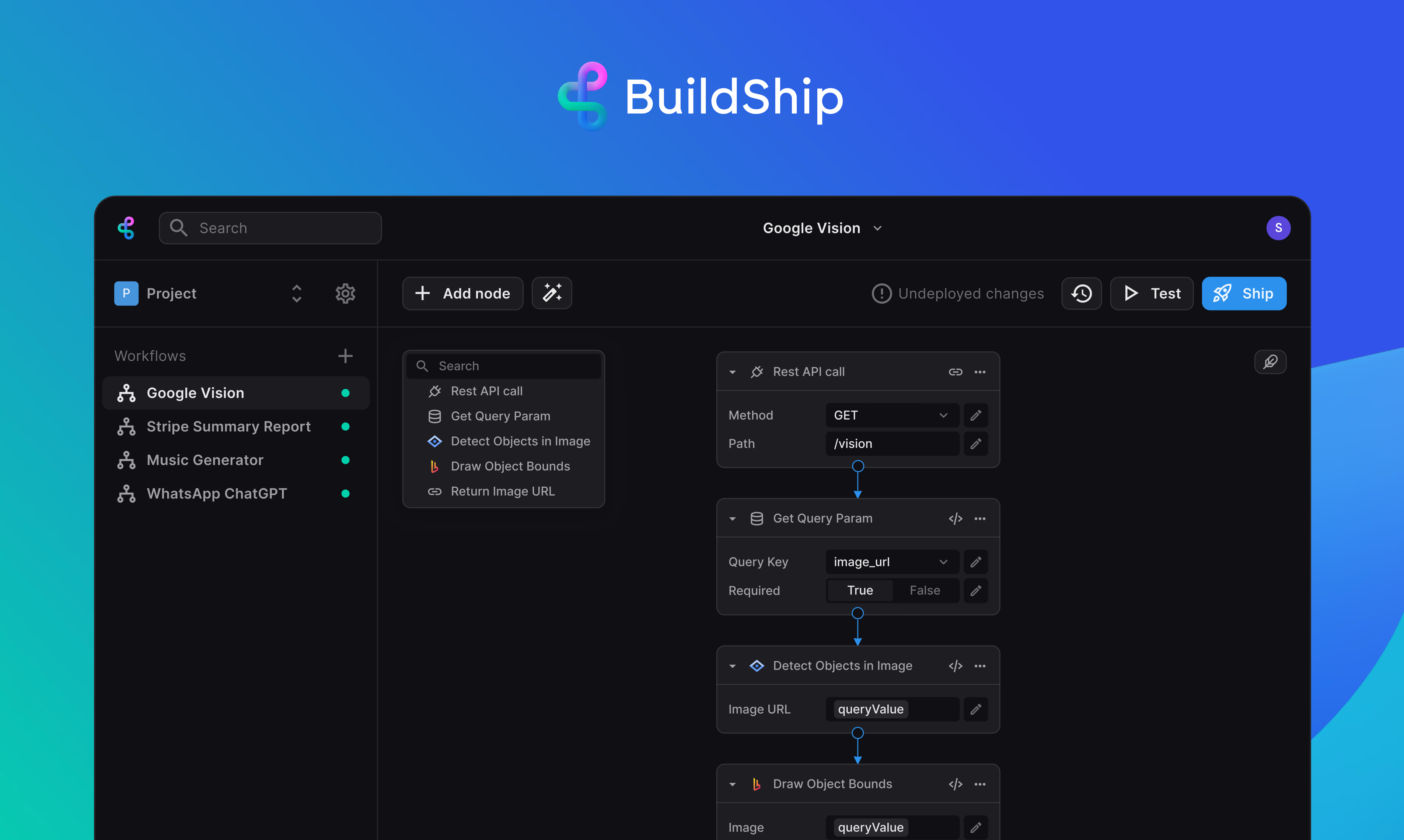
BuildShip is misunderstood as a backend replacement.
The hype around BuildShip has people believing it can replace backends built with Xano or Supabase.
But that’s not true. And it’s skewing client expectations wildly.
BuildShip has its strengths, but it’s not a substitute for a backend.
Yes, BuildShip’s workflows and AI nodes can sometimes speed up development and automate simple tasks. It’s useful.
However, BuildShip, Make, and n8n are workflow automation tools for asynchronous tasks. For the orchestration layer sitting on top of whichever backend you pick, n8n is what we reach for on most client builds.
I’ve mostly seen simple demos and automation, not complex backend logic. A secure, scalable backend demands much more.
The differences are obvious when comparing BuildShip to Xano or Supabase.
You’re not building the same depth of system. The complex backend logic you can’t avoid takes the longest anyway.
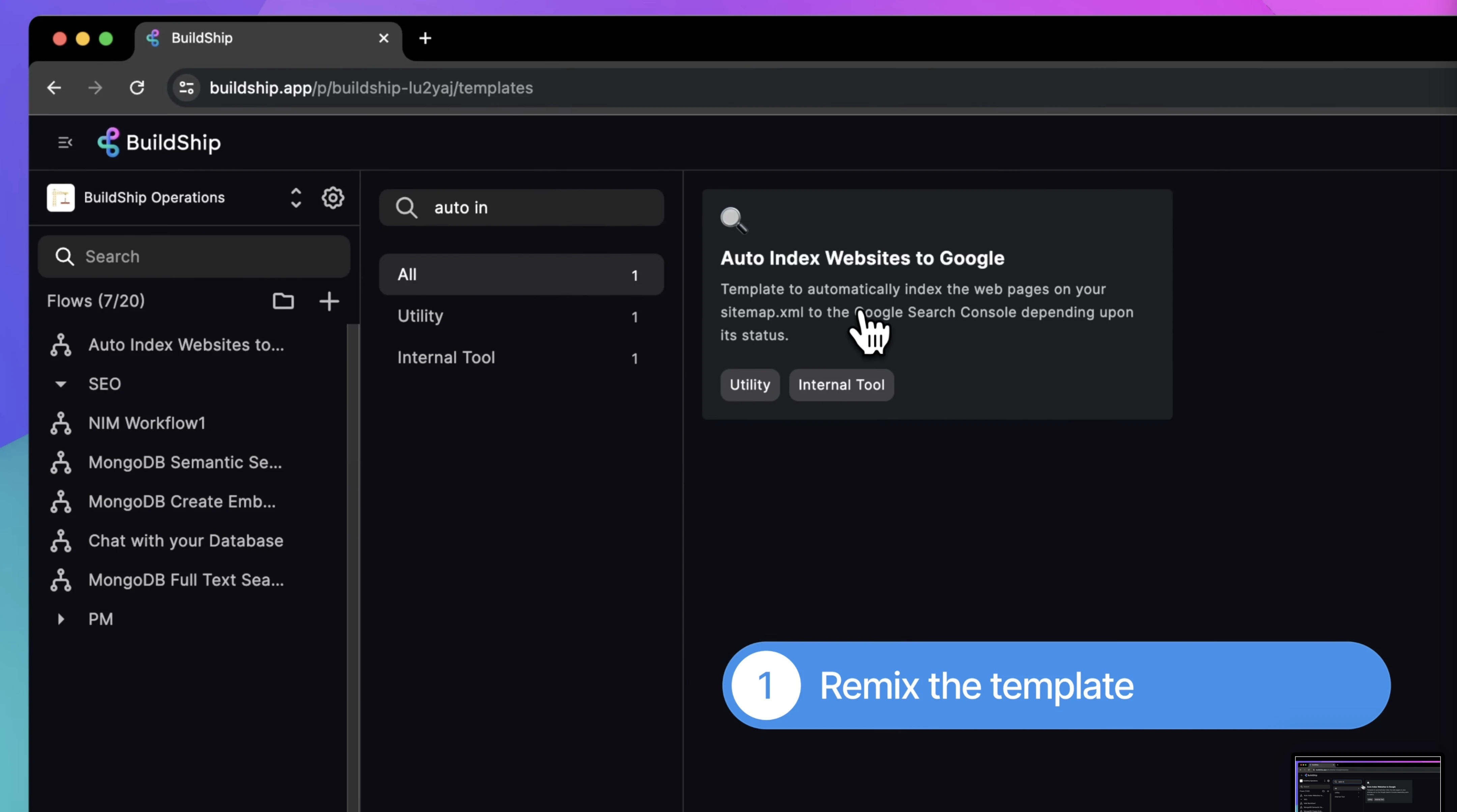
BuildShip’s built-in database still requires adjustments to pre-built templates. Modifying these templates for your database structure, payload, and output can take longer than on Xano or Supabase.
BuildShip has its uses, but it is not a replacement for a backend. People need to dial back and see it’s a 20% improvement for specific tasks, not an 80% backend overhaul.
Is BuildShip a backend replacement for Xano or Supabase?
No. BuildShip is a workflow and automation tool. It handles asynchronous tasks and AI-driven workflows, not the full backend responsibilities of a production system. Xano and Supabase are purpose-built backends with proper databases, API infrastructure, and scaling controls. Think of BuildShip as a workflow layer on top of, not a replacement for, a real backend.
What is BuildShip actually good at?
BuildShip is strong for AI-driven workflows: connecting LLMs, running async automation, and letting non-technical team members build workflows in plain English. For teams building AI-heavy prototypes or automating tasks that don’t require a full relational database, it can speed things up significantly.
Which backend is right for a solo founder building an MVP?
Supabase on the free tier is often the starting point for technical founders. You get generous free quotas, and realtime built in. Xano Starter at $29/month suits non-technical founders who want to set up APIs visually without writing SQL. BuildShip works alongside either for automation, not instead of them.
What’s the difference between BuildShip and Make or Zapier?
BuildShip, Make, and Zapier are all workflow automation tools for asynchronous tasks. BuildShip differentiates itself with AI-first workflow generation and the ability to export workflows as JavaScript. Make and Zapier have broader integrations and more mature ecosystems. None of them replace a backend database.
Can I use BuildShip with WeWeb?
Yes. BuildShip can serve as a workflow and automation layer for your WeWeb frontend. For data, you’d still connect WeWeb to a backend like Xano or Supabase. BuildShip handles the automation jobs (scheduled tasks, AI calls, webhook processing) while the backend handles storage and API serving.
See also: Xano backend development services
Himanshu runs NocodeAssistant, a development agency that builds internal tools and SaaS products for growing companies. He's worked directly with every client since 2019. Same person from kickoff to post-launch.
Connect on LinkedInLet's talk
Book a relaxed 30-minute call. Bring whatever you're wondering about and we'll help you think it through, whether or not you ever work with us.
Continue reading
Buildship vs Xano: compare AI workflow capabilities, backend flexibility, pricing, and use cases to pick the right automation backend for your stack.
Bubble is faster to launch. WeWeb gives you code ownership and no lock-in. Here's which to pick and when switching from Bubble to WeWeb makes sense.
The wrong pick means a rebuild in 18 months. Bubble builds web apps, Webflow builds marketing sites. We compare UI control, CMS, SEO, and cost.