
Comparisons
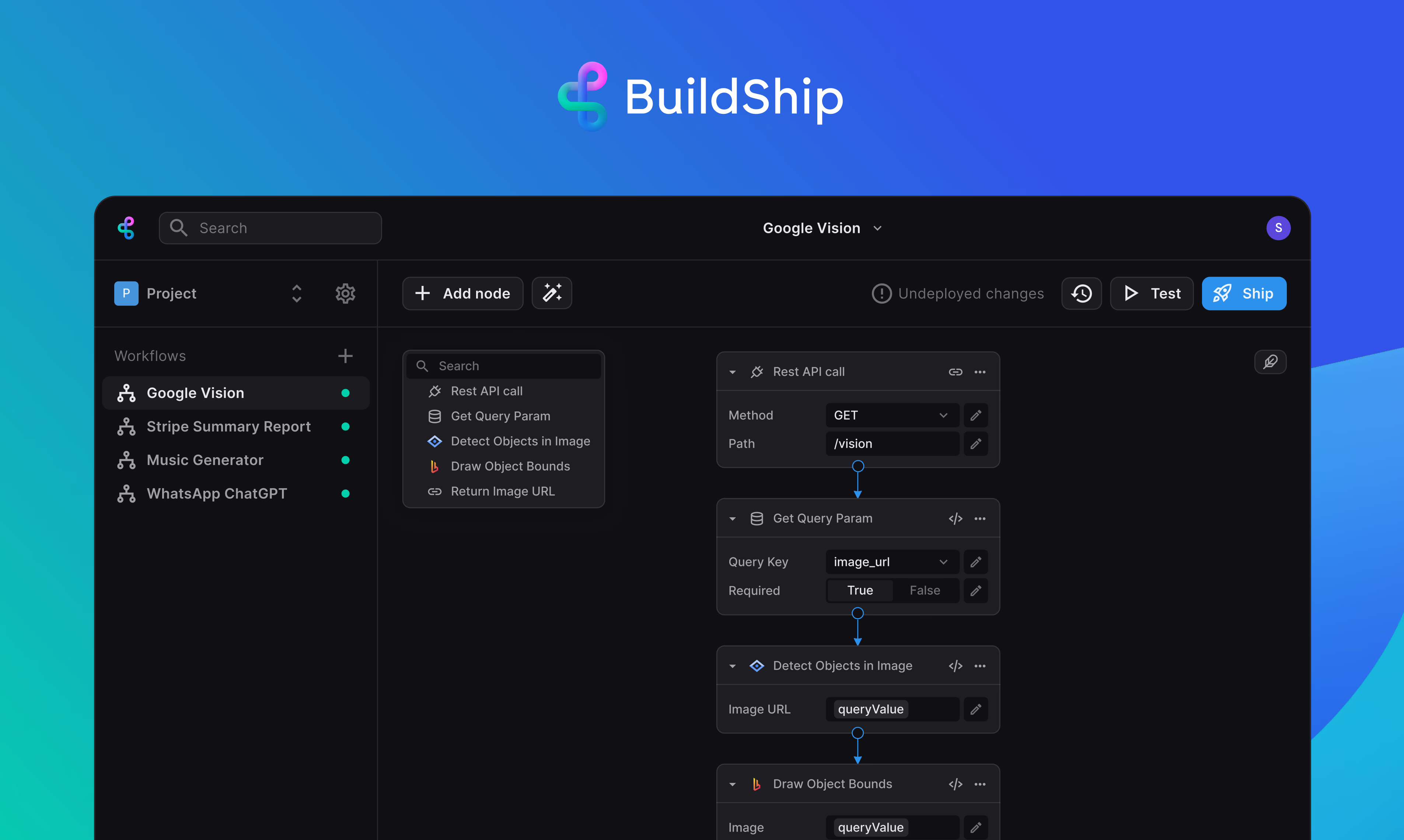
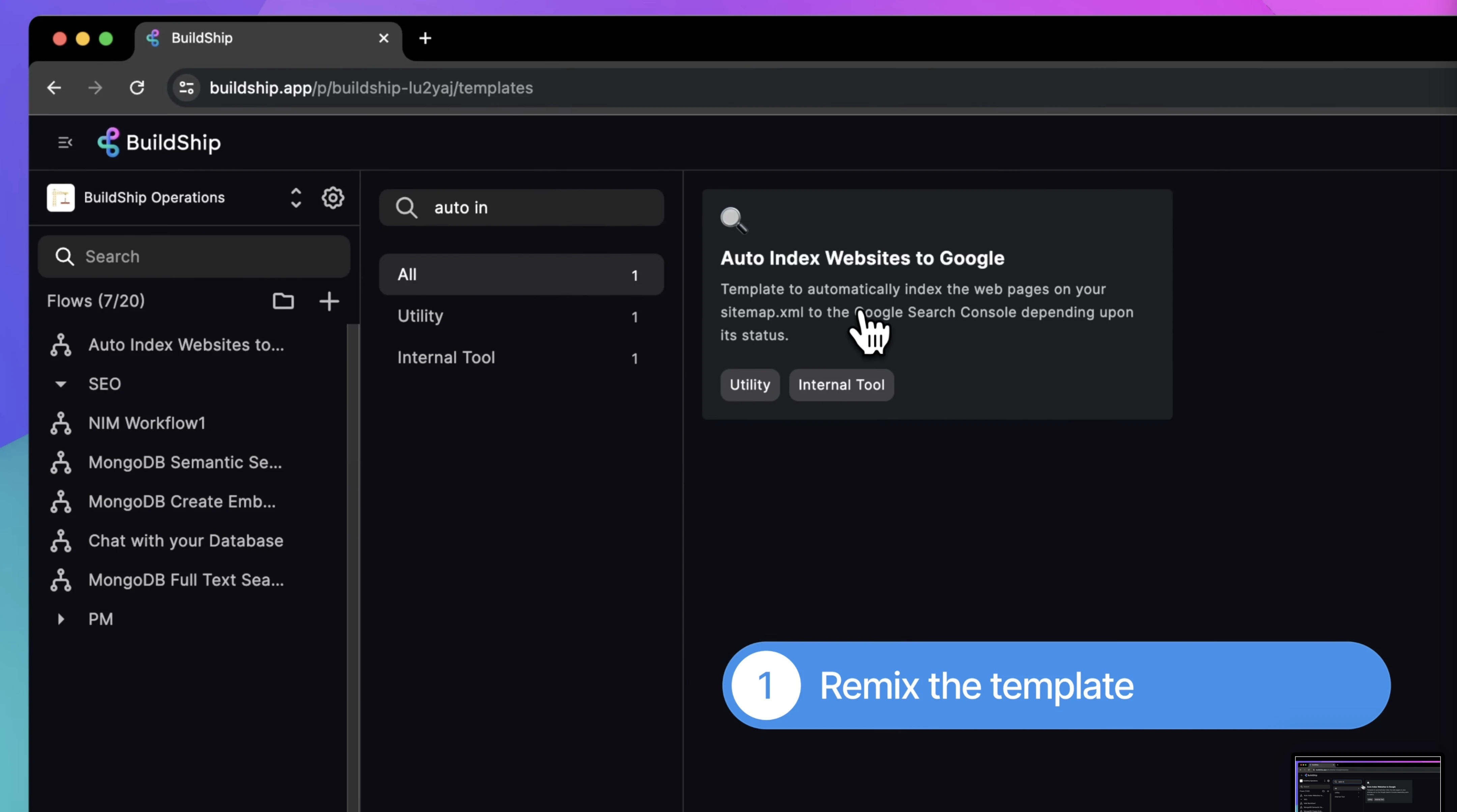
BuildShip vs Xano: Pricing, Features, and Use Cases for 2026
Buildship vs Xano: compare AI workflow capabilities, backend flexibility, pricing, and use cases to pick the right automation backend for your stack.
Himanshu Sharma ·

Bubble and Webflow are both no-code tools that let you build without writing code. Easy to confuse from the outside. Very different once you’re actually building something.
The short version: Bubble is for products. Webflow is for sites. That framing was true when I first wrote this post in February 2026, and recent moves by both platforms have only made it more true.
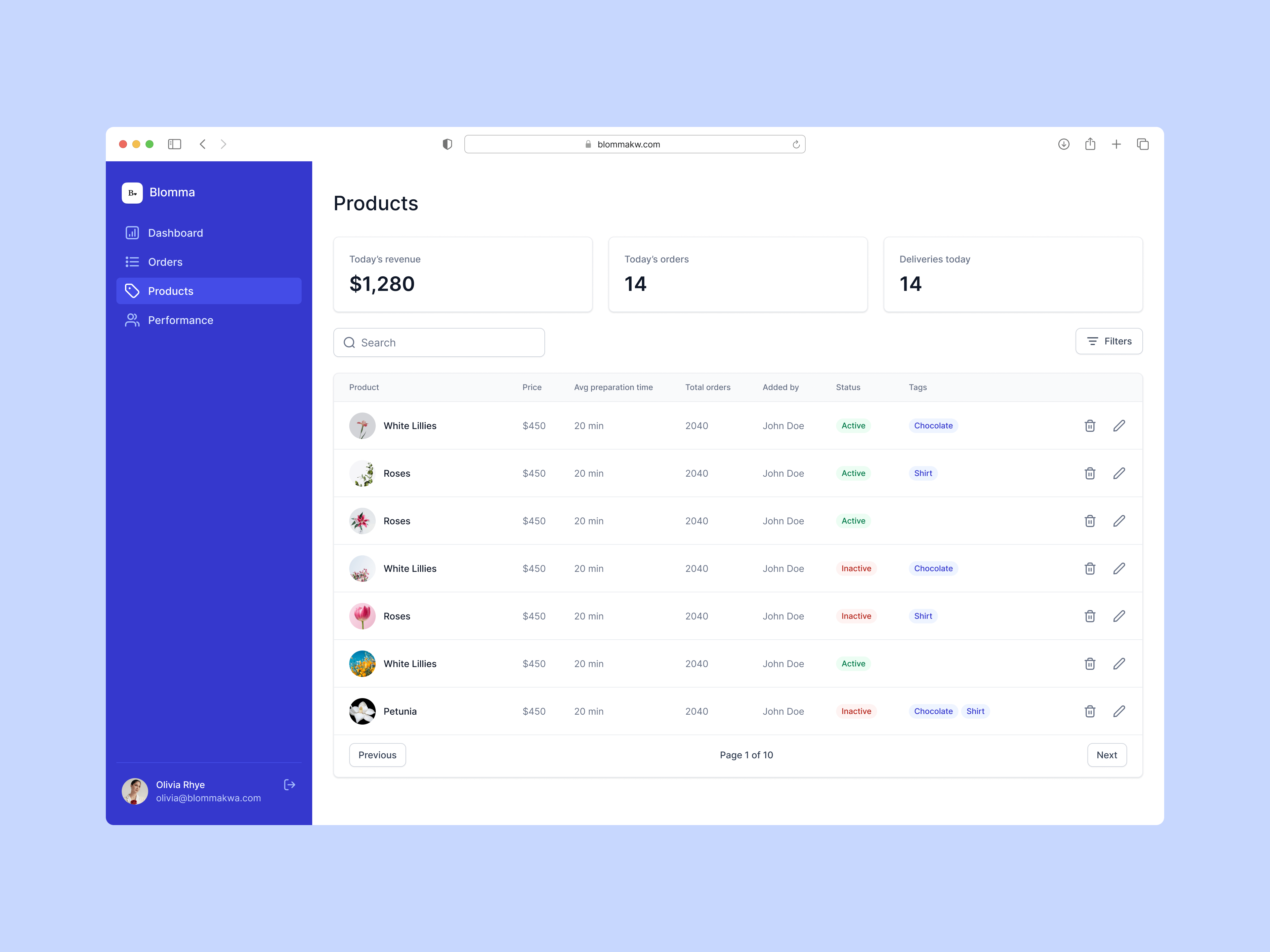
If you want to build a SaaS product, CRM, dashboard, internal tool, or marketplace, Bubble is the right platform. You get frontend and backend in one place, which matters more than it sounds when you’re trying to move fast.
If you want a landing page, marketing site, event page, blog, or e-commerce store, Webflow is the better tool. If you’re coming from WordPress, we’ve covered how Bubble compares to WordPress for founders making that switch.
Use Bubble to build the product. Use Webflow for the marketing site that sits in front of it.
Read more about how to use no-code for your business.
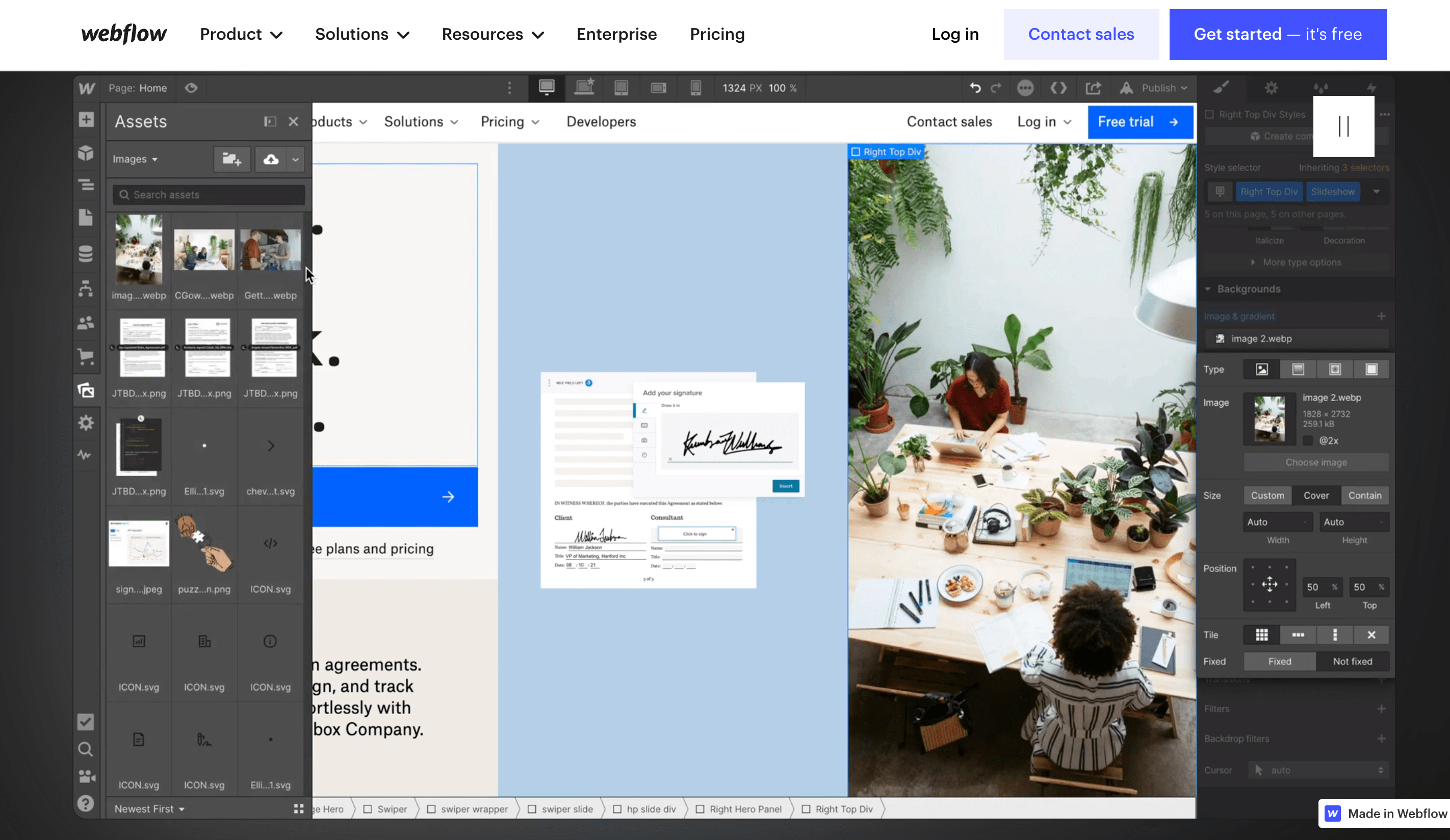
Webflow is like learning to ride a bike. You can have a first draft of a real website ready in a weekend. The visual builder maps closely to how design tools work, so if you’ve touched Figma you’ll feel at home.
Bubble takes significantly longer. It has its own building language, its own data model, its own way of thinking about logic. Producing high-quality Bubble work takes weeks of practice even for people who are technically inclined. It’s why finding a good Bubble developer is genuinely hard.
Webflow. Not even close.
It’s built for pixel-perfect design control, and Webflow Conf 2025 added a major upgrade: they acquired GreenSock (GSAP) and made it free for the web. The new Interactions system ships with SplitText, Staggers, ScrollTrigger, horizontal timelines, and reusable animations, all without code. Breakpoint-level controls, Lottie integration. Webflow’s design advantage over Bubble has widened considerably since this post was first written.
Bubble has gotten more capable on the design side too, particularly with Flexbox. You can build beautiful apps in Bubble. But you’re building an app, not a site. The comparison only makes sense if someone is genuinely unsure which category their project falls into.
Bubble. No contest.
Webflow actually moved further away from this in 2025-2026. They deprecated Webflow Logic (their native automation tool) on June 27, 2025, replacing it with Zapier and Make integrations. Then on January 29, 2026, they shut down Webflow User Accounts (native auth and membership), replacing it with Memberstack and Outseta.
Webflow is explicitly not building toward app infrastructure. Those deprecations aren’t bugs, they’re a product decision. The platform is doubling down on sites.
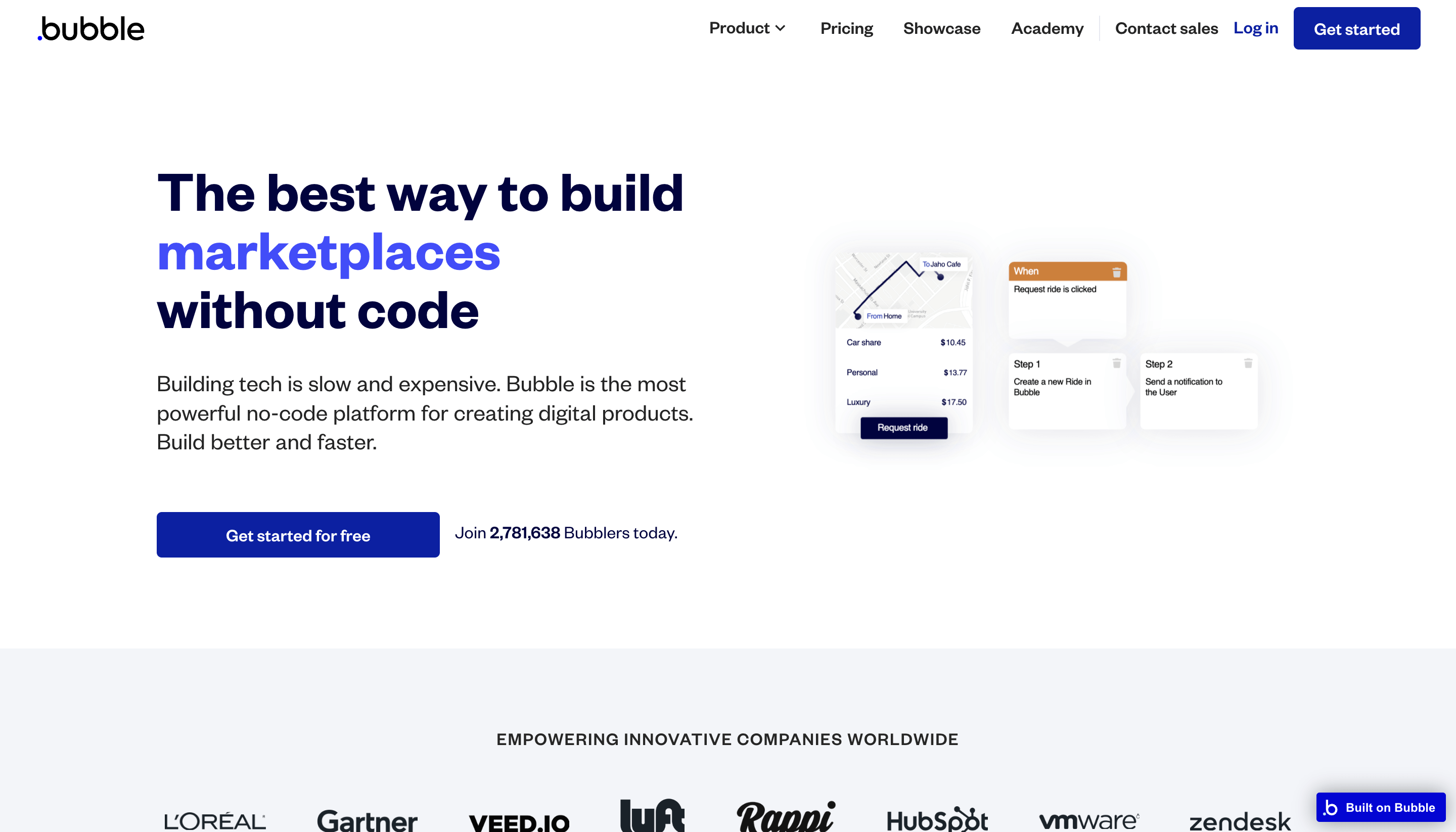
Bubble, meanwhile, added native iOS/Android app building (public beta June 2025, AI mobile generation available to all as of January 2026). That’s a genuinely new capability, not a refinement.
So if you want complex business rules, user authentication, data relationships, and custom logic, use Bubble. Webflow will send you to a third-party tool for all of it.
Both have free plans.
Bubble (annual billing, web only):
| Plan | Monthly price |
|---|---|
| Starter | $29 |
| Growth | $119 |
| Team | $349 |
| Enterprise | Custom |
Monthly billing is about 10-15% higher (Starter is $32/month). There’s also a usage-based layer: Workload Units (WUs) cover server compute. Overages are $0.30 per 1,000 WUs. For most apps this isn’t a concern, but AI-generated workflows tend to burn WUs faster than hand-built ones, which is worth knowing if you’re using Bubble’s AI Agent.
Webflow (annual billing, site plans):
| Plan | Monthly price |
|---|---|
| Basic | $15 |
| Premium | $25 |
| Enterprise | Custom |
A few things to know: the $18/month Basic price I referenced in the original post no longer exists. Webflow repriced it down to $15. The plan that used to be called “CMS” is now called Premium at $25/month (20,000 CMS items, 40 collections). There’s no $29/month site plan anymore. The $29 figure now refers to the Ecommerce Standard add-on, which is a commerce layer on top of a site plan, not a CMS hosting plan.
Webflow has also stopped publishing visitor limits. The Basic plan has 10 GB/month bandwidth. Hosting scales automatically. The old “250,000 visitors on the Basic plan” figure I mentioned in the original post is from a pre-2023 pricing page and no longer applies.
Related: Hiring a Bubble Developer
Bubble has a large plugin marketplace: install plugins, inject custom code, connect anything via the API Connector. That’s unchanged.
What has changed is Webflow. The original version of this post said Webflow doesn’t have a plugin marketplace and relies on Zapier and Make. That’s wrong now.
Webflow launched a native App Marketplace (webflow.com/apps) that hit 300+ apps in April 2025. Apps install directly inside the Webflow Designer through a native panel. First-party integrations include Stripe, Google Analytics, Google Search Console, HubSpot, Marketo, Adobe Express, LottieFiles, OneTrust, Google Ads, Microsoft Clarity, and Clay among others. Zapier is one app among 300+, not the primary dependency.
Also worth noting: Webflow launched an MCP server in June 2026, which means you can now make Webflow changes directly from Claude, Cursor, or any MCP-compatible AI tool. Changes show up in the Site Activity Log.
Related: 15 Bubble Integrations to Upgrade Your App
Webflow hosting scales automatically and they no longer publish visitor limits. If you’re expecting heavy traffic, that’s actually fine on Webflow’s infrastructure.
Bubble’s scalability depends on how the app is built. An experienced developer can estimate it, but you’ll only know for certain once you’ve tested under load. That hasn’t changed.
Read more about scaling your no-code business.
Yes, and it’s a common setup. Bubble on a subdomain for the app, Webflow on the main domain for the marketing site. You get the design quality and page speed where visitors land, and the full application capabilities of Bubble behind the login.
Both platforms have shipped significant AI features since early 2026.
Webflow launched an AI Site Builder (generates multi-page sites from a text prompt, 60k+ published sites by February 2026), an AI Assistant that reads your site structure and proposes targeted changes, and AI SEO tools for alt text, meta titles, and schema markup. In June 2026 they also launched Webflow Cloud, which lets you deploy full-stack calculators, dashboards, and booking widgets from a prompt. It’s early and limited, but it’s a real (if minor) caveat to the “Webflow can’t do apps” framing for very simple use cases.
Bubble’s AI Agent can scaffold full apps including UI, workflows, and data schema from a text prompt. The issue checker integration (April 2026) means the Agent can now spot and fix its own errors. See the full breakdown in our Bubble AI review.
Neither platform’s AI changes the fundamental choice. Bubble is still for products, Webflow is still for sites.
The right tool depends on your use case.
| You need… | Use |
|---|---|
| SaaS product, CRM, dashboard, marketplace | Bubble |
| Marketing site, landing page, blog | Webflow |
| User auth, custom data model, complex logic | Bubble |
| Pixel-perfect design, animations, GSAP | Webflow |
| Native iOS/Android app | Bubble |
| Fast page loads for SEO | Webflow |
| Both (app + marketing site) | Bubble app + Webflow site on main domain |
Further reading on using Bubble for your business.
What is Bubble best used for?
Choose Bubble for web applications with business logic like SaaS products, CRMs, dashboards, internal tools, and marketplaces. It handles both frontend and backend in one place, so it’s practical for non-technical founders who need a full-stack product without writing code.
What is Webflow best used for?
Choose Webflow for landing pages, websites, blogs, event pages, and e-commerce stores. If you’re coming from a WordPress background or you need a marketing site with great design control, Webflow is the right choice. It’s not designed for complex application logic.
Can I use Webflow and Bubble together?
Yes, and many teams do. A common approach is to run Bubble on a subdomain for the main app while using Webflow on the main domain for the marketing site. This gives you design quality and fast load times where visitors land, and the full application power of Bubble behind the login.
Which is cheaper: Bubble or Webflow?
Both have free plans. Webflow paid plans start at $15/month (Basic, annual billing). Bubble starts at $29/month (annual) or $32/month (monthly). Bubble also has usage-based fees for workflow units, which means costs can rise for complex apps.
How long does it take to learn Webflow versus Bubble?
Webflow has a much gentler learning curve. Many designers can have a first website draft ready in a weekend. Bubble takes significantly longer. It has a unique building language, and producing high-quality work takes weeks of practice even for experienced developers.
Bubble or Webflow? It depends on whether you need a product or a site.
We've built on both. Describe what you're shipping and we'll tell you which one fits and what breaks if you pick the wrong one.
Himanshu runs NocodeAssistant, a development agency that builds internal tools and SaaS products for growing companies. He's worked directly with every client since 2019. Same person from kickoff to post-launch.
Connect on LinkedInLet's talk
Book a relaxed 30-minute call. Bring whatever you're wondering about and we'll help you think it through, whether or not you ever work with us.
Continue reading
Buildship vs Xano: compare AI workflow capabilities, backend flexibility, pricing, and use cases to pick the right automation backend for your stack.
Bubble is faster to launch. WeWeb gives you code ownership and no lock-in. Here's which to pick and when switching from Bubble to WeWeb makes sense.
Compare BuildShip, Xano, and Supabase on backend flexibility, AI workflows, pricing, and scale so you can pick the right stack.