
Comparisons
BuildShip vs Xano: Pricing, Features, and Use Cases for 2026
Buildship vs Xano: compare AI workflow capabilities, backend flexibility, pricing, and use cases to pick the right automation backend for your stack.
Himanshu Sharma ·
![WeWeb vs Bubble: Which to Pick (and When to Switch) [2026]](https://assets.nocodeassistant.agency/687a3f44b43c51bd35202423_67b5e40cb15214e5e1e34a80_original-4a83bd7e3d6b4a502b0cc60aa28ba491.webp)
People often call Bubble a no-code platform. That misses an important part of how it works. Low-code tools give you a visual editor and room for custom code. No-code tools keep the build inside the visual editor.
Bubble sits closer to low-code. You can add JavaScript, use React components with some changes, and create custom plugins. I have worked with Bubble for seven years, and that flexibility is one reason I see it this way.
Bubble was the default choice for many visual builds for a long time. Mendix, Caspio, and UI Bakery were aimed at different markets. WeWeb is now worth comparing when frontend control and code ownership matter.
This comparison comes from working with both platforms. The right choice depends on what you are building and what you want to control later.
Bubble launched in 2013. It lets you build the frontend, backend, workflows, and database for a web app without writing code for every part.
WeWeb launched in 2017 as a frontend builder and later expanded into a full-stack platform. In April 2026, it launched WeWeb Tables, a native backend with a Postgres database, auth, server-side workflows, and file storage inside the editor.
For a simpler app, you can keep the whole build in WeWeb. If you need more control over data or already have a backend, you can connect Xano or Supabase.
Bubble lets one experienced developer work across the frontend and backend. That can keep a small team moving, but it gives beginners more to learn.
WeWeb separates the frontend from the backend. The editor is easier to read at first, and you can keep an existing backend instead of moving it into a closed platform.
Bubble puts the frontend, backend, and business logic in one editor. That gives you more in one place, but it also makes navigation harder. Many beginners find features months after they start because the editor is deep.
WeWeb focuses on the frontend. You still need to understand the backend, but the page builder itself is easier to learn.
WeWeb was built to make frontend work easier, so it has more control over layouts and visual details.
Bubble has improved. Its responsive engine now uses Flexbox, and it launched a React Native mobile app builder in public beta in June 2025. These changes make Bubble easier to work with than it was in 2019. The frontend still has limits compared with WeWeb.
An app workflow is a set of steps that runs after an event, such as a button click. It can read data, call an API, change a record, or handle an error.
Bubble lets you build complex workflows, query your database, and connect APIs in the same platform. With WeWeb, the backend usually does most of the data work and business logic. You can still use frontend loops, variables, workflows, and exception handling.
This is similar to Vue or React. The frontend handles the page, while the backend handles most of the application logic.
Related: Working with WeWeb and Supabase
I prefer WeWeb for performance, although that view comes from working with both tools.
As of mid-2026, Bubble still has limits around loops, per-workflow exception handling, a native JavaScript escape hatch, if/else branching, and external auth. Some of these needs a plugin. Others are unavailable. They have been on the community roadmap for more than a year without a confirmed release date.
Most apps need outside services, such as a calendar, email provider, or payment system.
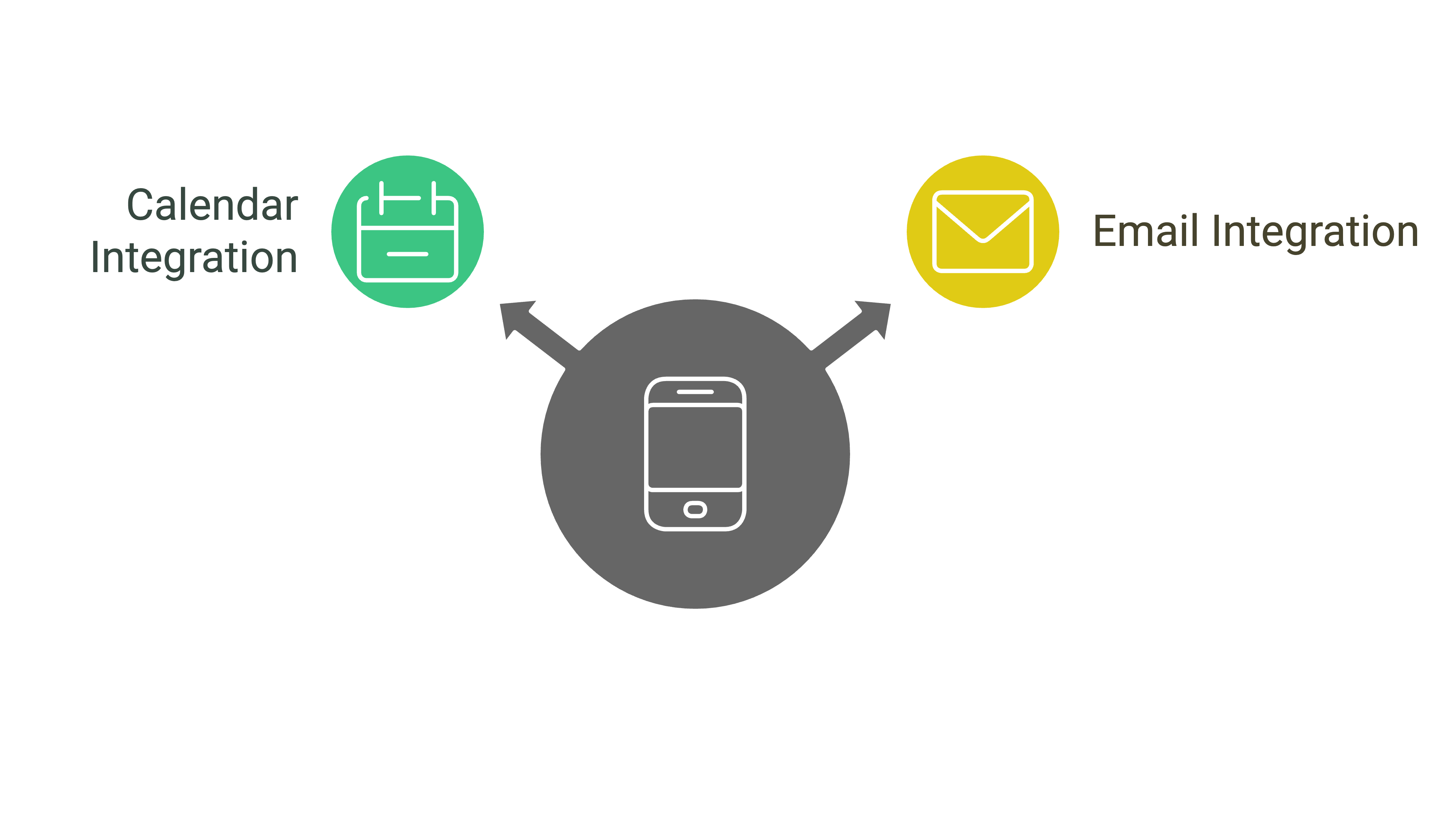
Bubble and WeWeb can connect to services that expose an API. The setup depends on the service and your technical skills, but API support covers most common integrations.
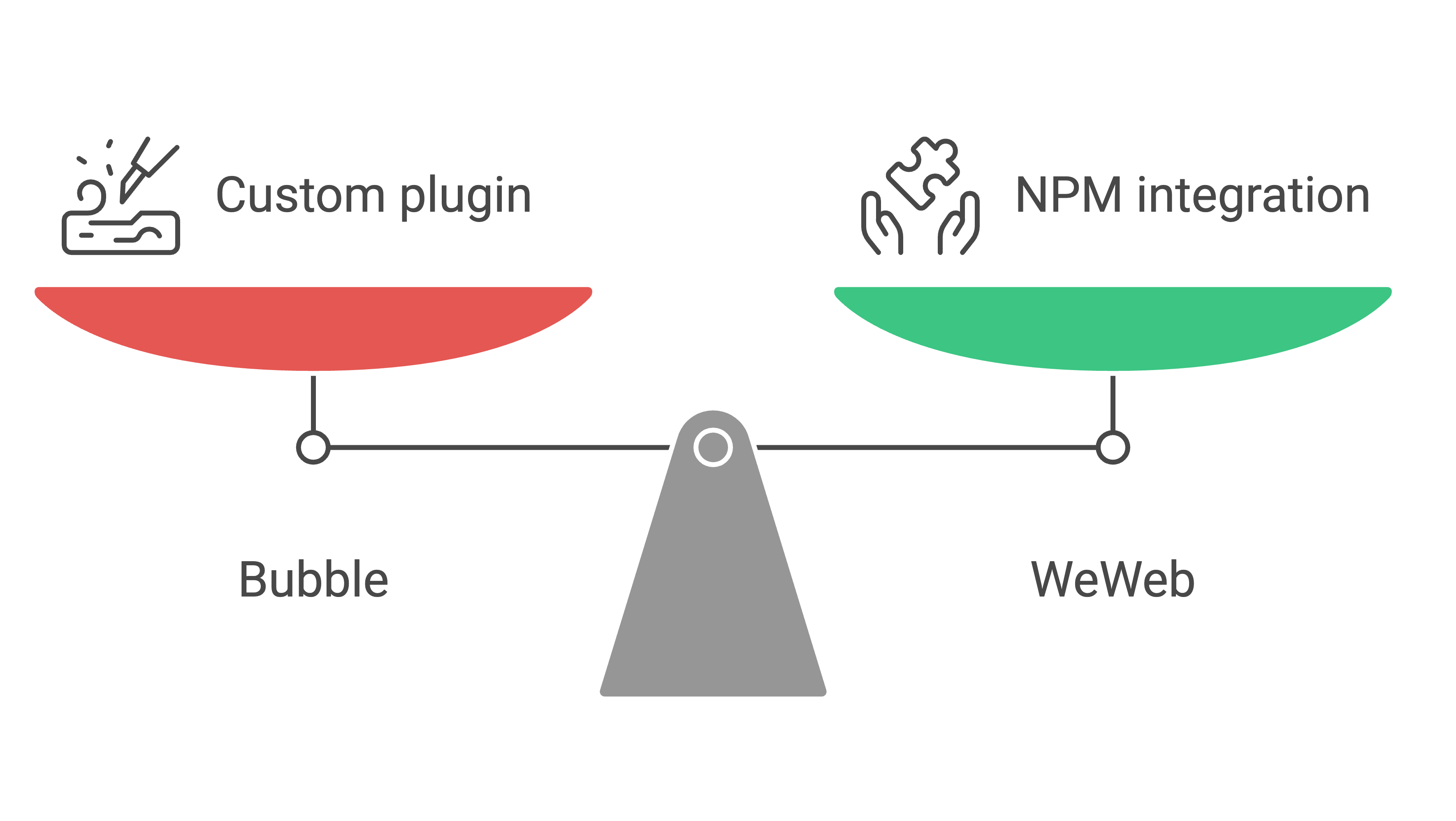
You may need a feature that the platform doesn’t include. Bubble requires a custom plugin when you want to import a coded component.
WeWeb lets you import NPM packages and Vue components with small changes to the code. That feels closer to a regular frontend workflow.
Bubble has more forum answers, YouTube videos, and blog posts than WeWeb.
WeWeb is newer. Its community is smaller, but the WeWeb team is active when you ask for help.
Bubble pricing is tied to workload units. The model looks like pay-as-you-go, but complex apps can become expensive.
Some operations that are standard in traditional code can cost up to 10 times more in Bubble. A pricing change was one reason we started looking at other low-code tools.
WeWeb pricing is easier to estimate. Workspace plans start at $20/month with annual billing for Essential. The Launch+ site plan costs $20/month and includes WeWeb’s native backend with Tables, auth, and storage. For more complex requirements, you can add Xano or Supabase and avoid workload overages.
Code ownership matters if you may move hosting or continue development outside the platform.
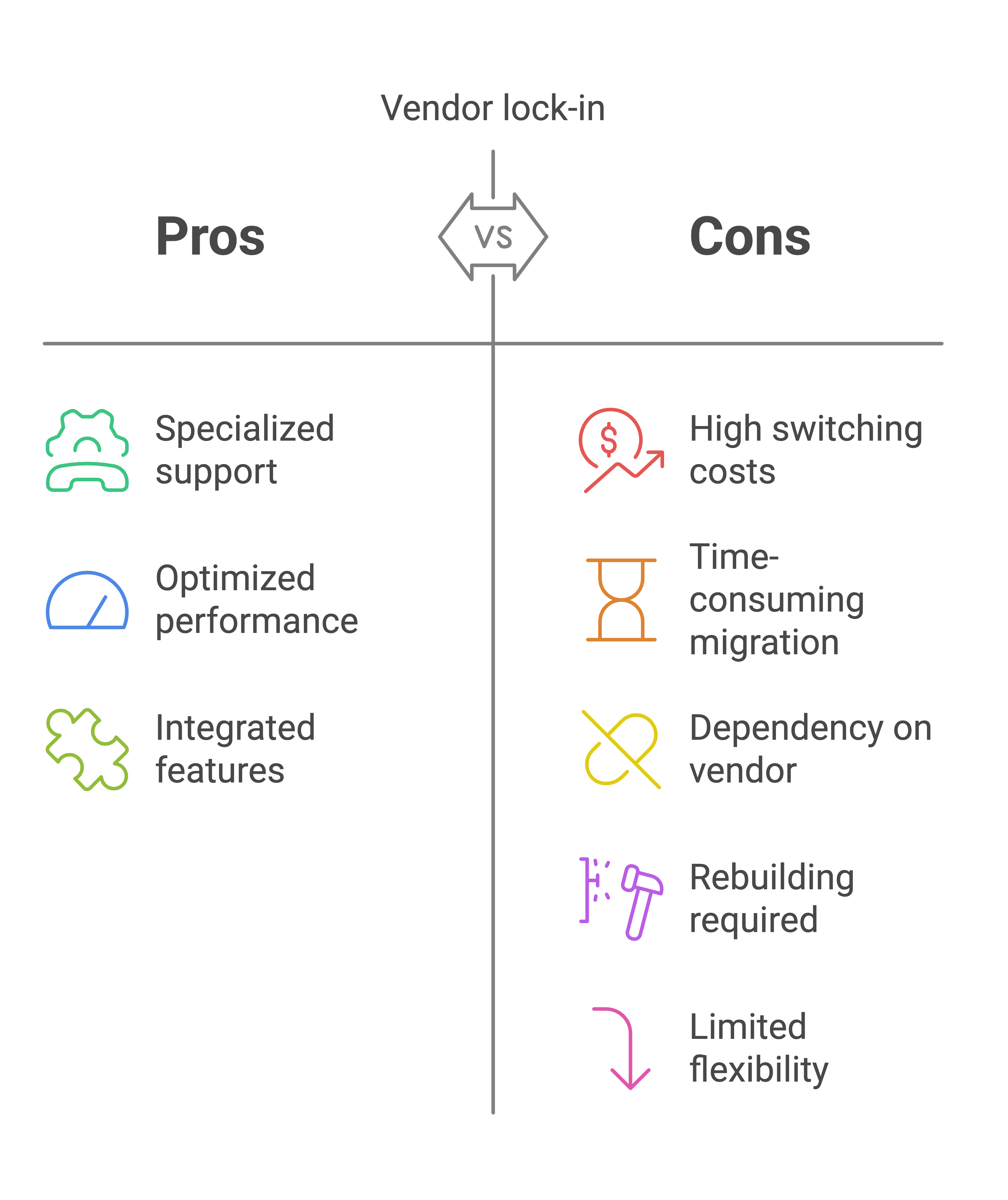
Bubble apps run on Bubble’s servers. If you move away, you need to rebuild the app.
WeWeb lets you export the frontend and self-host it. It generates standard Vue code, so an experienced developer can work with the exported code.
Bubble is a good fit when a small team wants to build a web app with its frontend, database, and workflows in one place. It works well for MVPs and for teams without developers.
The trade-off is that Bubble doesn’t export code. If you leave later, you rebuild the app on another platform.
WeWeb handles the frontend and now includes its own native backend through WeWeb Tables, launched in April 2026. You can build a simpler app without another backend service. For more complex data requirements, connect to Xano or Supabase.
The UI builder gives you more control than Bubble. WeWeb exports standard Vue.js code, so you can self-host it or move to a custom frontend later.
If code ownership and design control matter, WeWeb is the better starting point. If you want one platform for a fast web MVP, Bubble is easier to justify.
Not sure which platform fits your project?
Scope it out before you start. The Brief Builder walks you through your requirements in 10 minutes and tells you what you need to build, before you pick a platform.
WeWeb is generally easier to pick up at first. It was built as a frontend tool, so the editor is more focused and easier to navigate. Bubble manages your frontend, backend, and business logic all in one place, which gives you more options but also means there is a lot more to learn. Developers often spend months uncovering everything it can do.
That said, WeWeb has its own complexity. It requires connecting to a separate backend like Xano or Supabase, or setting up its native backend, which is a different kind of learning curve. So while WeWeb feels simpler on the surface, the full stack still takes time to master.
Yes. Bubble apps only run on Bubble’s servers. If you want to move off the platform, you have to rebuild everything from scratch. WeWeb takes the opposite approach. It exports standard Vue.js code that any developer can work with and host anywhere.
WeWeb generally performs better for complex apps. Bubble has known limitations around loops, per-workflow exception handling, native JavaScript, and external auth.
WeWeb offloads heavy logic to a separate backend, which keeps the frontend fast and scalable.
Bubble uses workload-based pricing that gets expensive when you build anything complex. Some standard development operations carry a markup of up to 10x in Bubble. WeWeb is more predictable: workspace plans start at $20/month (Essential, annual). The Launch+ site plan at $20/month includes WeWeb’s native backend. Add Xano or Supabase for more complex needs and you still get fixed monthly costs without WU overages.
Both allow custom code, but they handle it differently. Bubble requires you to build a custom plugin to import coded components. WeWeb lets you import any NPM package or Vue component with minor modifications, which is much closer to a traditional development workflow.
WeWeb or Bubble? One is better for your use case.
We've built production apps on both. Tell us what you're building and we'll tell you which platform fits, and why the other one would slow you down.
Himanshu runs NocodeAssistant, a development agency that builds internal tools and SaaS products for growing companies. He's worked directly with every client since 2019. Same person from kickoff to post-launch.
Connect on LinkedInBook a relaxed 30-minute call. Bring whatever you're wondering about and we'll help you think it through, whether or not you ever work with us.
Continue reading
Buildship vs Xano: compare AI workflow capabilities, backend flexibility, pricing, and use cases to pick the right automation backend for your stack.
The wrong pick means a rebuild in 18 months. Bubble builds web apps, Webflow builds marketing sites. We compare UI control, CMS, SEO, and cost.
Compare BuildShip, Xano, and Supabase on backend flexibility, AI workflows, pricing, and scale so you can pick the right stack.