

Comparisons
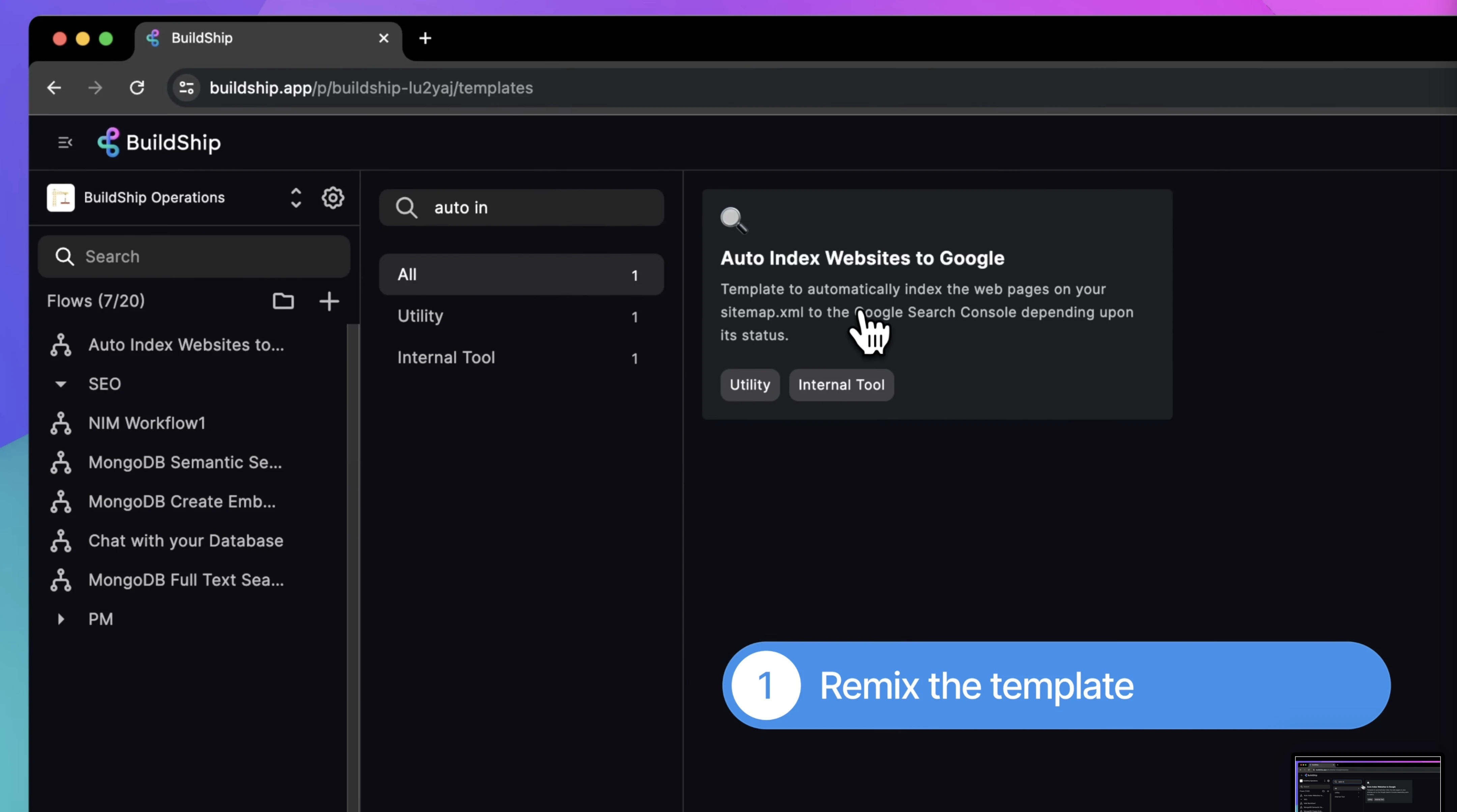
BuildShip vs Xano: Pricing, Features, and Use Cases for 2026
Buildship vs Xano: compare AI workflow capabilities, backend flexibility, pricing, and use cases to pick the right automation backend for your stack.
Himanshu Sharma ·

Before building your web application, you should understand how WeWeb and Supabase can work together to streamline your development process.
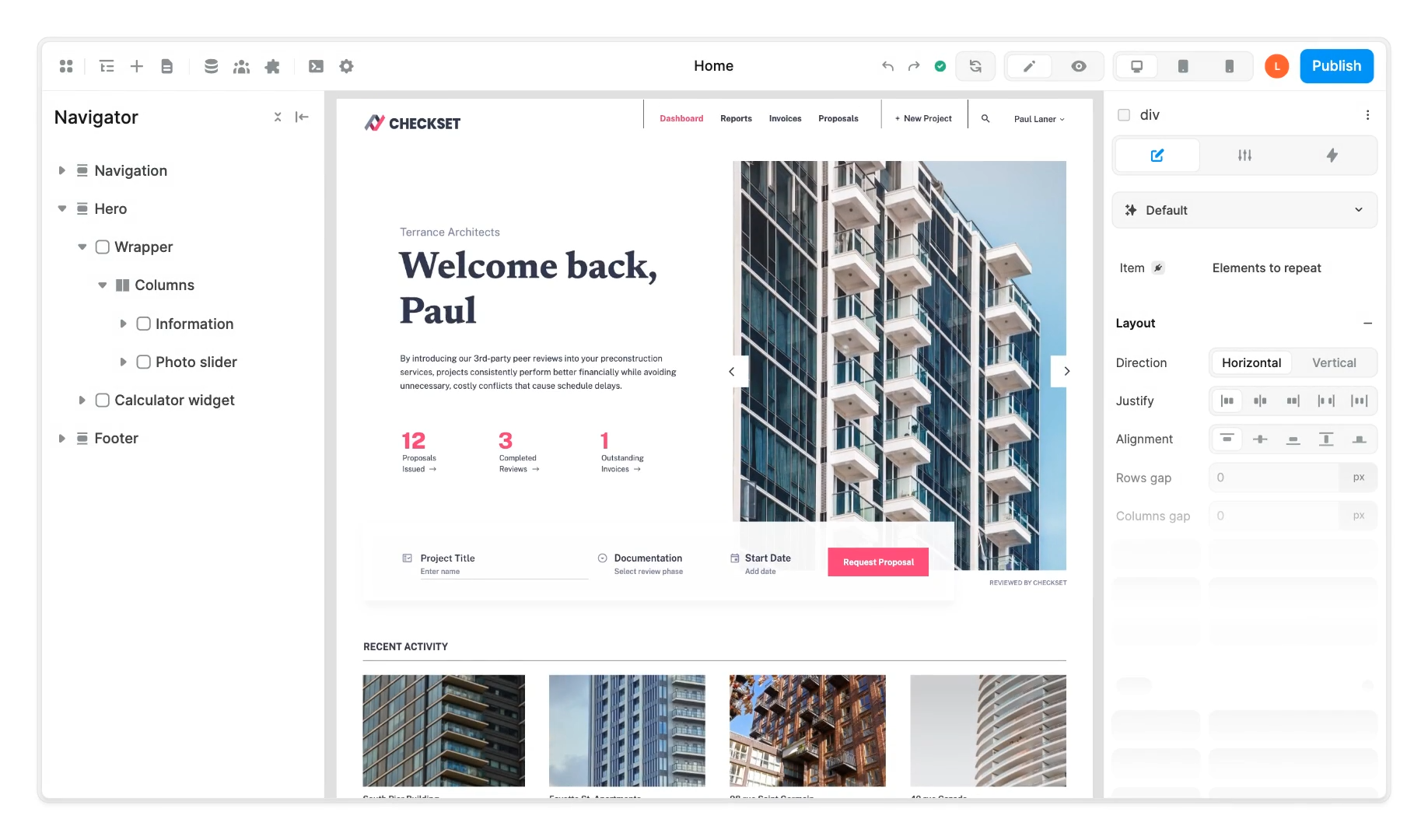
WeWeb is a tool that helps you design the look and feel of your website without needing to write code.
Supabase handles the behind-the-scenes aspects, like storing data and managing user accounts.
When used together, they simplify the process of creating web applications.
As a WeWeb agency, we help businesses build scalable web applications with WeWeb and Supabase.
WeWeb is a low-code platform for building web application frontends. You design how your app looks and works using a visual editor, then add logic through workflows, custom code, and API integrations.
As of April 2026, WeWeb also comes with a native backend called WeWeb Tables. It includes a Postgres database, auth, workflows, and file storage. For simple apps, you can now build the full stack inside WeWeb without touching an external service.
That said, Supabase remains a strong choice for many WeWeb projects, and for some use cases it’s clearly the better backend. More on that below.
Related: WeWeb vs Bubble
Supabase is an open-source backend platform built on PostgreSQL. It gives you a managed database, user authentication, real-time data syncing, auto-generated APIs, serverless edge functions, and file storage.
It also has strong AI capabilities. Supabase comes with pgvector built in, which lets you store and query vector embeddings directly in your Postgres database. You get semantic search, hybrid search, and integrations with OpenAI, HuggingFace, and LangChain without adding a separate vector database. For teams building AI-powered features into their WeWeb app, this is a significant advantage over WeWeb Tables.
These features make Supabase a strong backend choice alongside WeWeb, particularly for data-heavy or AI-integrated applications.
WeWeb Tables is a reasonable backend for straightforward apps. User accounts, a few tables, basic CRUD workflows. If that covers your requirements, WeWeb Tables is the simpler path because everything lives in one place and no external service needs configuring.
Supabase makes more sense when you need any of the following:
Heavier data processing. Supabase is a full Postgres database. You get stored procedures, triggers, complex joins, and full SQL access. WeWeb Tables is Postgres under the hood too, but it exposes far less of that power. If your app runs complex queries, aggregations, or batch operations, Supabase gives you direct database access that WeWeb Tables does not.
AI features. Supabase includes pgvector built in. You can store embeddings, run semantic search, and build RAG pipelines using the same database your app already reads from. WeWeb’s AI features are focused on the editor (generating UI, workflows, schema). Supabase’s AI capabilities live in the data layer, which is where you actually need them when building AI-powered product features. The Supabase MCP also lets AI agents query your database directly, which is useful for internal tooling.
Lower starting cost. Supabase’s free tier is genuinely usable for small projects: 500MB database, 50K monthly active users, 1GB file storage. WeWeb Tables is included in the Launch+ site plan at $20/month. If you already have Supabase running, connecting it to WeWeb adds no extra cost.
Open source and portability. Supabase is open source and self-hostable. You can move your database to your own infrastructure if needed. WeWeb Tables is a managed service with no self-hosting option.
Scale. Supabase compute scales from a shared Micro instance up to 64 cores and 256GB RAM. For high-traffic or data-intensive apps, that headroom matters.
If you are building a simple internal tool or MVP, WeWeb Tables is often enough. For production apps with real data volume, AI features, or compliance requirements, Supabase is the stronger backend.
Related: Working with WeWeb and Xano
Assuming you have already defined the database schema in Supabase, it hardly takes 5 minutes to connect Supabase with WeWeb.
Set Up a Supabase Account and Project.
Configure Your Database and Authentication in Supabase.
Generate API Keys in Supabase for Access:Navigate to the Settings > API section in your Supabase dashboard.
Copy the Project URL and Public API Key; you’ll need these to connect WeWeb to Supabase.
Add Supabase as a Data Source in WeWeb:Log in to your WeWeb account.
Go to the Plugins section and add the Supabase Data Source Plugin.
Paste the Project URL and Public API Key you obtained from Supabase when prompted.
Optionally, enable real-time tables if you want live data updates.
For a detailed walkthrough, have a look at this video.
Once you’ve connected Supabase with WeWeb, you can use the Supabase anywhere you want in your app.
To send data from WeWeb to Supabase and perform CRUD operations, you can create a workflow and send input values back to Supabase. You won’t need to connect to the endpoint from scratch because WeWeb offers built-in actions for Insert, Select, Update, Delete, and Upsert.
Typically, you’d also create Postgres Functions and Edge Functions in Supabase for complex data manipulations. And you can trigger these right from WeWeb.
Adding an authentication system is straightforward because WeWeb has integrated the Supabase SDK.
WeWeb offers authentication actions like Signup, Login, and Forgot Password, which flow out of the box. Even the UI is pre-built with the workflows.
Supabase offers real-time data syncing, which allows your application data to be updated continuously without manual refreshes.
For example, in a live chat application, messages sent by one user appear instantly for others.
The syncing is done by WebSocket connections, ensuring low-latency communication.
There are many reasons which work in Supabase’s favour compared to Xano.
Supabase’s open-source nature provides transparency and flexibility, allowing customization to meet specific project requirements.
While you can use Lambda functions in Xano to do operations not natively offered by them, Supabase is far more flexible regarding custom code operations.
Supabase starts free and stays affordable longer than most alternatives. The free tier gives you 500MB database storage, 50K monthly active users, and 1GB file storage. It pauses after a week of inactivity, so it’s not suitable for production, but it’s a solid starting point.
The Pro plan is $25/month and covers most production apps: 8GB disk, 100K MAUs, 100GB storage, daily backups. Additional compute is pay-as-you-go from $10/month for a Micro instance upward. You can also self-host the entire stack for free if you want full control over infrastructure costs.
Compared to WeWeb Tables, which is included in the Launch+ site plan ($20/month), Supabase’s free tier is genuinely usable for early-stage projects where you haven’t yet launched.
If you want to add AI-powered features to your app, Supabase is the strongest backend option. pgvector is built in, so you can store and query vector embeddings directly in your Postgres database. No separate vector database needed.
This enables semantic search (search by meaning, not just keywords), hybrid search, and full RAG pipelines using OpenAI, HuggingFace, or LangChain. You can also use the Supabase MCP to let AI agents directly query your database, which is useful for AI-assisted internal tools.
WeWeb’s AI features operate at the editor level (generating UI and schema). Supabase’s AI capabilities are at the data layer, where they actually matter for production features.
SOC2 and ISO 27001 are included in the Team plan ($599/month). HIPAA is available as a paid add-on on top of Team. If your project handles sensitive medical records in the US or your client’s IT audit requires SOC2, Supabase is one of very few backend options that can satisfy those requirements.
We’ve set up HIPAA-compliant Supabase projects for clients handling medical records. It requires careful RLS policy design and some additional configuration, but the path is well documented.
While Supabase has many pros, it has certain limitations:
Supabase enforces limits on various resources. For example, the maximum memory allocation for Edge Functions is 256MB, and the maximum duration for these functions varies by plan: 150 seconds for the Free plan and 400 seconds for paid plans. Additionally, the maximum function size after bundling is 20MB.
Supabase doesn’t offer branching and automatic backups in their free plan. For most projects, these are required. For this reason alone, you should think about upgrading to a paid plan.
Supabase imposes file size limits for storage uploads. On the Free plan, each file cannot exceed 50MB. Pro and above allows up to 500GB per file upload.
Free plan projects have a 500MB database storage limit. Hitting this limit forces the database to read-only until you reduce data or upgrade to Pro.
Supabase supports custom domains as a paid add-on. It costs $10/month per project and is available on Pro and above. Without it, your Supabase project URL contains a Supabase subdomain, which can surface in auth emails and API calls. For most production apps it’s worth the extra $10 to keep the branding clean.
If you need SOC2, ISO 27001, HIPAA, or SLAs, you have to jump to the Team plan. The gap is significant: Pro is $25/month, Team is $599/month. HIPAA is an additional paid add-on on top of Team. For most SMB apps this tier is overkill, but regulated industries or enterprise clients may require it.

Before you commit to this stack, scope what you're actually building.
The Brief Builder takes 10 minutes. You'll end up with a structured document that makes the Supabase vs Xano decision obvious and gives any agency or developer a clear starting point.
On the one hand, self-hosting gives you complete control over your backend, allowing you to meet any project requirements. Self-hosting helps when building applications that handle sensitive data. For large-scale applications, self-hosting can bring cost savings compared to managed services.
On the other hand, self-hosting requires a solid understanding of server management and database administration, as you’ll be responsible for setting up and maintaining the infrastructure.
It means having server resources and planning for scalability, which needs careful and ongoing management. Moreover, regular updates, backups, and system monitoring are critical to maintaining stability and security, adding to the maintenance overhead.
Before deciding to self-host, evaluating your project’s specific needs, your team’s technical capabilities, and the resources available to manage and maintain the infrastructure effectively is crucial.
Auth and RLS is where most WeWeb + Supabase projects stall.
We've set this stack up in production more than a dozen times. If you're about to start, 30 minutes can save you a few weeks of trial and error.
Supabase and WeWeb is a strong stack for teams that have developers comfortable with SQL and Postgres. You get real database power with a frontend that moves fast.
For teams without that backend experience, Xano is the better default. Less setup, fewer sharp edges, and easier to hand off.
Related: Working with WeWeb and Xano
Himanshu runs NocodeAssistant, a development agency that builds internal tools and SaaS products for growing companies. He's worked directly with every client since 2019. Same person from kickoff to post-launch.
Connect on LinkedInLet's talk
Book a relaxed 30-minute call. Bring whatever you're wondering about and we'll help you think it through, whether or not you ever work with us.
Continue reading
Buildship vs Xano: compare AI workflow capabilities, backend flexibility, pricing, and use cases to pick the right automation backend for your stack.
Bubble is faster to launch. WeWeb gives you code ownership and no lock-in. Here's which to pick and when switching from Bubble to WeWeb makes sense.
The wrong pick means a rebuild in 18 months. Bubble builds web apps, Webflow builds marketing sites. We compare UI control, CMS, SEO, and cost.