

Comparisons
BuildShip vs Xano: Pricing, Features, and Use Cases for 2026
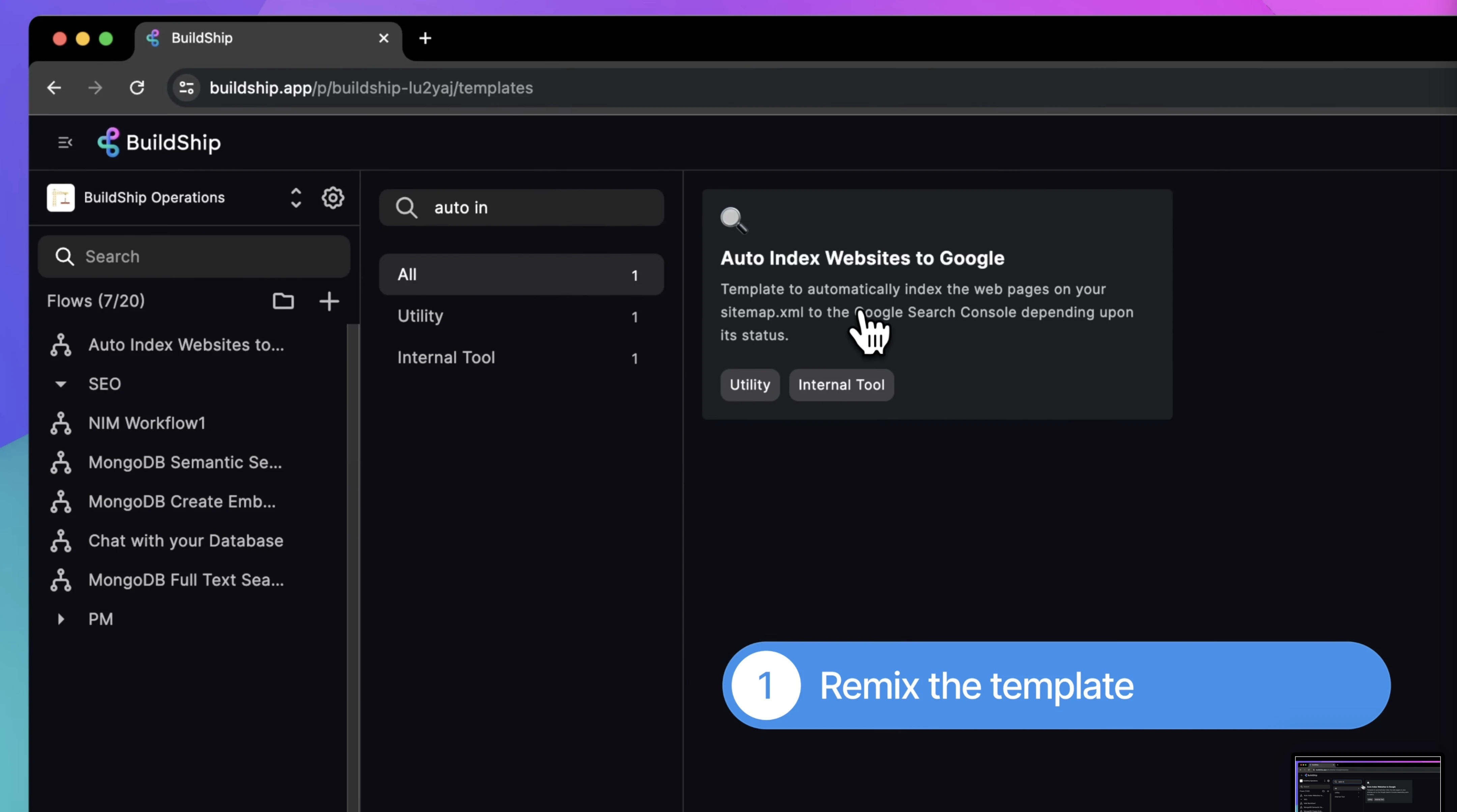
Buildship vs Xano: compare AI workflow capabilities, backend flexibility, pricing, and use cases to pick the right automation backend for your stack.
Himanshu Sharma ·

Here’s what you need to know about WeWeb and Xano combination before you build your software.
WeWeb is a frontend tool that is backend agnostic, so it works with any database, not just Xano.
Similarly, Xano is a backend tool that is frontend agnostic, so it works with any frontend tool, not just WeWeb. However, many developers pair Xano with WeWeb. It is a great combination we generally recommend for good reasons.
As a WeWeb agency, we help businesses build scalable web applications with WeWeb and Xano.
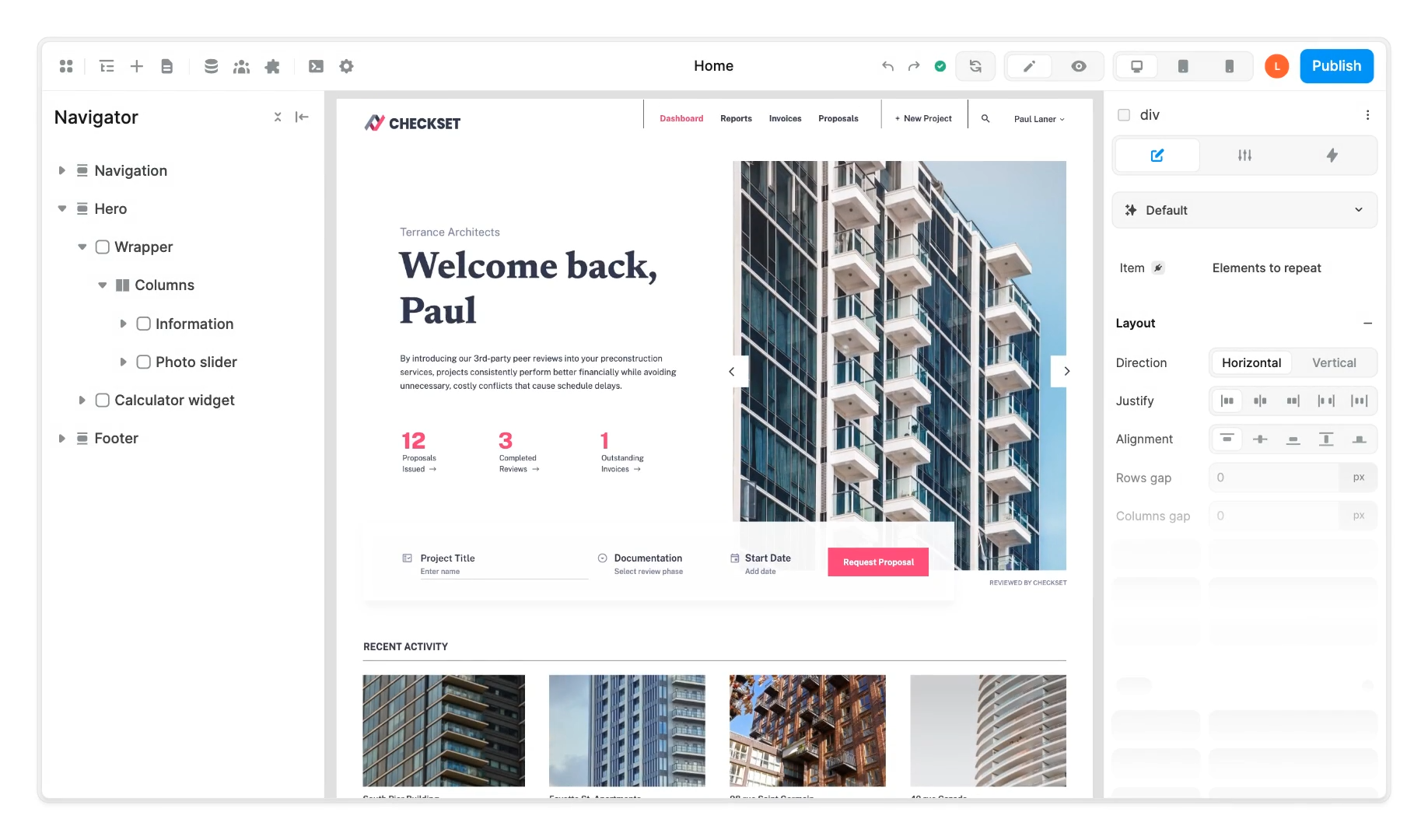
WeWeb is a low-code frontend builder for web applications. You design the UI visually and add logic through workflows, API connections, NPM packages, and custom code. It’s closer to a real frontend framework than a website builder. You can handle complex business logic, role-based access, and data binding that tools like Webflow or Framer don’t support.
Since April 2026, WeWeb includes its own native backend (WeWeb Tables: Postgres database, auth, storage). For straightforward apps, you can build everything inside WeWeb. For more complex backends, Xano remains the better fit, which is why most production WeWeb apps we build still use Xano.
Related: WeWeb vs Bubble
Xano is a no-code/low-code backend platform for building APIs on a PostgreSQL database. You build endpoints visually, handle authentication, run background tasks, and integrate with third-party services, without managing servers.
What’s changed significantly in 2026 is how Xano handles logic and AI. The platform now includes XanoScript (a code-first syntax that gives developers direct control), a full CLI for pushing and pulling workspace logic from local IDEs, and an AI agent (Xano Agent) that can build and debug backend logic across your entire workspace. It’s closer to a real backend development environment than it was a year ago.

Your alternative includes using
There are more combinations, but these are the most popular ones. Each has its pros and cons.
Bubble, for example, is an excellent full-stack solution. Supabase is an open-source Postgres backend with similar capabilities as Xano. Custom code is always an option, although it dramatically increases the project timeline. If you’re evaluating whether to use Xano or Supabase alongside WeWeb, or want to add a middle automation layer, see how Buildship compares to Xano and the three-way Buildship vs Xano vs Supabase breakdown.
When choosing your tech stack, you need to consider many factors. There is no one-size-fits-all formula you can use.
Think about flexibility, scalability, maintainability and development speed.
It is straightforward to connect them. WeWeb has a native Xano plugin you can use.
It will hardly take 2 minutes, and your WeWeb app will access your Xano database.
You can watch this video for a detailed setup walkthrough and a basic app.
You can use all the API endpoints once you connect Xano with your WeWeb app.
 Typically, you’d create a Collection in WeWeb to fetch data and the ‘Xano Request’ action to send data back to Xano.
There is also an option to use the simple ‘REST API Request’ action, but it involves more steps than the native ‘Xano Request’ action.
Once you have the information from your Xano database, you can use it anywhere: modals, tables, workflows, etc. There is no limitation.
As WeWeb has natively integrated the Xano SDK, adding authentication to your WeWeb using Xano is straightforward.
You can use the in-built actions to set the workflows for Signup, Login, Forgot Password and User token management.
To help you get started, WeWeb offers a pre-built UI for all the authentication flows. It also includes the basic workflows you’ll need. But you need to tweak them if needed.
Xano’s backend handles large amounts of data without record limits. It supports load balancing and auto-scaling, so your app can grow without a backend rewrite.
In one of our projects, we built an app that manages over 10 million data records using WeWeb and Xano. The stack held up.
WeWeb and Xano allow you to keep your app’s frontend and backend parts separate.
This means you can focus on designing the user interface in WeWeb. At the same time, Xano handles the data and server-side logic. This separation makes updating and maintaining your app easier, as changes in one part won’t directly affect the other.
Unlike other no-code/low-code platforms, you can easily export the source code of your WeWeb app.

Xano’s developer tooling has expanded substantially in the past year. Several things that used to require workarounds are now native.
Xano launched a workspace-wide AI agent in April 2026. Where the previous Logic Assistant was limited to a single endpoint at a time, Xano Agent can build, modify, and debug logic across your entire backend simultaneously: APIs, functions, background tasks, middleware, database schema.
It uses XanoScript and the Developer MCP under the hood, so changes land in a draft queue that you review before publishing. Database schema changes publish immediately with a visible warning, so nothing destructive happens silently.
You can bring your own API key (Anthropic Claude, OpenAI, or Google), which means usage runs against your key, not your Xano plan credits.
For a WeWeb + Xano build, the practical workflow is: use WeWeb AI to scaffold the frontend, use Xano Agent to generate backend logic and schema, then review and clean up both before publishing. It doesn’t replace the need to understand what you’re building, but it cuts the time on repetitive API setup significantly.
Xano includes SOC2 and ISO compliance on the Essential plan and above. HIPAA is available as an add-on on the Pro plan ($224/month). If your client’s IT audit requires SOC2, or you’re handling medical records, Xano is one of very few no-code backends that can satisfy those requirements without moving to a custom build.
Enterprise customers can run Xano on their own infrastructure: AWS, Azure, GCP, or on-prem. Useful when a client’s security policy requires data to stay within their own cloud account.
No tool is perfect.
Xano’s pricing restructured significantly. The current plans are:
| Plan | Price (annual) | Key features |
|---|---|---|
| Free | $0/month | Rate-limited (10 req/20s), up to 100K records, 1 workspace |
| Essential | $85/month | Dedicated infra, no rate limit, 3 workspaces, SOC2/ISO/GDPR, 100GB storage |
| Pro | $224/month | Managed load balancer, RBAC manager, HIPAA add-on, 5 workspaces, 99.99% SLA |
| Custom | Contact sales | Multi-tenant, self-hosting, enterprise support |
For most production WeWeb + Xano apps, Essential ($85/month) is where you start. If you need a load balancer or HIPAA, you need Pro ($224/month). The jump is real but it’s reasonable compared to managing your own infrastructure.
The old “Launch” and “Scale” plan names are gone. If you see those referenced in older blog posts or forum threads, they no longer apply.
Xano has a role and permissions manager on Pro, but row and column-level access control still needs to be configured manually in your API logic. For example, making sure users can only access their own records requires building that check into each endpoint. It’s not complex, but it’s not automatic either. Easy to miss on a fast build.
WeWeb and Xano cover most of what growing teams need to build. The cases where it breaks down are usually extreme scale, native mobile, or strict data residency requirements that Xano’s Custom plan can’t satisfy.
If you need help evaluating whether WeWeb and Xano is the right stack, book a call with our team.
WeWeb + Xano is our default stack. Here's when it isn't.
We've built 40+ apps on this combination. If you're evaluating it for a real product, 30 minutes will tell you whether it fits and what to watch out for.
Related: Working with WeWeb and Supabase
See also: Xano Agency
Himanshu runs NocodeAssistant, a development agency that builds internal tools and SaaS products for growing companies. He's worked directly with every client since 2019. Same person from kickoff to post-launch.
Connect on LinkedInLet's talk
Book a relaxed 30-minute call. Bring whatever you're wondering about and we'll help you think it through, whether or not you ever work with us.
Continue reading
Buildship vs Xano: compare AI workflow capabilities, backend flexibility, pricing, and use cases to pick the right automation backend for your stack.
Bubble is faster to launch. WeWeb gives you code ownership and no lock-in. Here's which to pick and when switching from Bubble to WeWeb makes sense.
The wrong pick means a rebuild in 18 months. Bubble builds web apps, Webflow builds marketing sites. We compare UI control, CMS, SEO, and cost.