

Process
Why your 'simple' software change takes 8 hours instead of 30 minutes
You asked for a 30-minute fix. Your dev quoted 6 hours. Here's why small software changes take longer than they look and what's actually happening.
Himanshu Sharma ·
Picture this: you’ve built the ultimate app – brilliantly designed, packed with features, and set to transform its industry. But users feel frustrated, confused, and uninterested when you finally launch.
What went wrong?
The answer lies in skipping a crucial step: user testing.
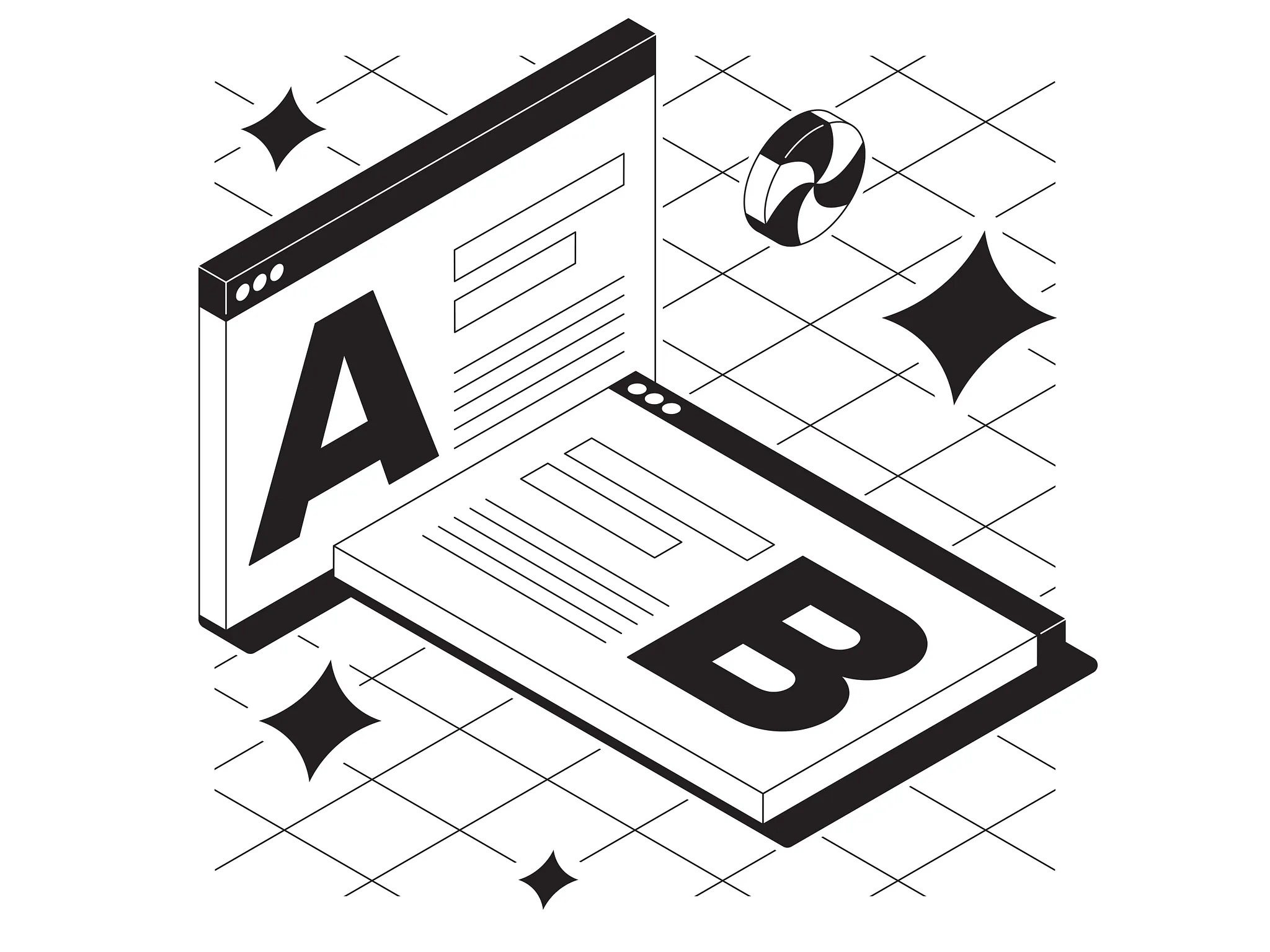
In this article, we’ll dive into the importance of user testing for creating successful no-code apps, its benefits, best practices, prevalent mistakes, and why delaying user testing is a recipe for disaster.
User testing is a process that allows you to consider a product or service by testing it with potential users.
User testing aims to learn the user’s experience with the product, identify any issues they might encounter, and see how you can resolve them. It provides direct feedback on how real users use the system.
User testing is similar to proofreading a novel.
Just as an author cannot rely on their reading to catch every typo or plot inconsistency, an app developer cannot solely depend on their perspective to ensure a seamless user experience.
It is especially true in the no-code realm. Anyone unfamiliar with the best app development practices can sometimes build a product with overlooked usability hiccups.
According to Gartner, by 2024, low-code and no-code application development will be more than 65% of application development activity. With this surge, the role of user testing becomes even more pivotal.
 But why exactly is user testing so crucial in no-code app development?
To put it into perspective, imagine crafting a puzzle without checking if the pieces fit together correctly. You may believe you’ve designed a beautiful puzzle, but you can only be sure the pieces will align as intended with testing.
Similarly, building a no-code app without user testing could result in a disjointed user experience, despite having an aesthetically pleasing design or a promising concept.
Related: Building with Bubble
In 2022, a survey conducted by Forrester Research found around 70% of projects fail due to a lack of user testing.
So, how does user testing help you build an app that meets user needs?
Imagine you’re a chef preparing a new dish. You can use fresh ingredients and a new recipe, but if you don’t taste the food regularly, how will you know if it’s good?
Related: Learn how Canva used user testing to improve their product
Similarly, user testing is the taste test of your no-code app development process, allowing you to refine the ‘flavour’ to meet your users’ preferences.
No-code platforms empower anyone to create apps, but user testing ensures they deliver value to their intended audience.
By understanding and incorporating user feedback, you can build an app that functions optimally and truly resonates with your users.
User testing is often overlooked or underutilised in app development despite its undeniable benefits.
There’s a common misconception that user testing is a luxury, a time-consuming or costly process that only large corporations can afford.
However, this mindset needs to be revised and can also harm the success of your no-code app.
So, why do people avoid user testing, and what are the potential repercussions?
A commonly used phrase in software development is “Shift left”.
It refers to addressing potential issues early in the development process, and it applies perfectly to user testing in no-code app development.
The traditional approach to testing is to introduce it towards the end of the development cycle. Late-stage testing may address symptoms of a disease rather than its root cause, similar to a doctor’s approach.
Related: How Burberry Improved their app experience
It’s reactive, not proactive, and can lead to costly and time-consuming fixes.
So, what’s the price of postponing user testing, and why should you test early and often?
Like weeding a garden, addressing issues early often prevents them from taking root and becoming harder to remove later.
Remember, user testing isn’t a one-and-done activity—it’s an ongoing process that you should adopt from the inception of your app idea to its post-launch iterations.
Now that we’ve established the importance of user testing and the risks of overlooking it, the next step is to delve into the practical aspect - how do you prepare for user testing?
Preparing for user testing is like planning a journey. You need to know your destination, path, and what you hope to discover.
While analysing, remember to consider both the users’ performance and feelings about the product. A user can achieve the goal swiftly yet harbour negative feelings about the experience.
Once you’ve gathered insights from your data, summarise the key findings and chalk out the next steps for enhancing your product or website’s design. Also, specify the improvements you hope to observe in the subsequent round of testing.
After completing your user testing, it’s time to evaluate the results.
There are no hard and fast rules, but there are guide rails you can use to measure the results.
Even the best-laid plans can go astray without a keen eye for common pitfalls in user testing.
User testing is the compass guiding your no-code app development journey, ensuring you stay on course and reach your destination: a successful, user-friendly app.
We’ve explored why user testing is critical—it helps you create an app that genuinely meets user needs. Despite its importance, some developers skip user testing due to misconceptions or lack of understanding, often leading to apps that fall short of user expectations.
Adopting user testing early and often is important to avoid these pitfalls, and so is preparing for it.
However, avoid common mistakes that could skew your results and rob you of valuable insights.
By keeping your users at the heart of your development process, you can build a no-code app that achieves your goals and delivers a satisfying, seamless experience for your users.
User testing is built into how we run every build at NocodeAssistant. If you want a team that ships tested, production-ready apps, our WeWeb agency and Bubble agency teams work this way by default. Book a discovery call.
Himanshu runs NocodeAssistant, a development agency that builds internal tools and SaaS products for growing companies. He's worked directly with every client since 2019. Same person from kickoff to post-launch.
Connect on LinkedInLet's talk
Book a relaxed 30-minute call. Bring whatever you're wondering about and we'll help you think it through, whether or not you ever work with us.
Continue reading
You asked for a 30-minute fix. Your dev quoted 6 hours. Here's why small software changes take longer than they look and what's actually happening.
Learn how we build amazing apps with Bubble. Discover our development process from wire framing to testing and deployment.
Learn how to write effective user stories in Bubble with this guide. Discover why user stories are important and accelerate product development.